


Smart glasses have evolved from science fiction concepts to practical tools that enhance daily navigation and communication. Major tech companies are racing to perfect augmented reality displays that overlay digital information onto the real world, while real-time translation capabilities break down language barriers for travelers and international business professionals.
These wearable computers pack sophisticated sensors, cameras, and processors into lightweight frames. The latest models feature GPS integration, voice commands, and machine learning algorithms that can instantly translate conversations or provide turn-by-turn directions without looking at a phone screen.

1. Apple Vision Pro
Apple’s mixed reality headset represents the company’s ambitious entry into spatial computing. The device features dual 4K micro-OLED displays and advanced eye tracking technology that responds to natural hand gestures and voice commands. While primarily designed for immersive experiences, the Vision Pro includes navigation capabilities through its integration with Apple Maps and location services.
The headset’s real-time translation features work through Siri and Apple’s Translate app, supporting dozens of languages with conversation mode for face-to-face interactions. The device’s cameras and sensors create detailed spatial maps of surroundings, enabling precise AR overlays for navigation prompts and location-based information.
2. Microsoft HoloLens 2
Microsoft targets enterprise users with the HoloLens 2, featuring improved comfort and a wider field of view compared to its predecessor. The device excels at overlaying 3D holograms onto real environments, making it valuable for navigation in industrial settings and complex facilities. Built-in spatial mapping creates persistent anchors that remember specific locations and digital content placement.
Translation capabilities come through Microsoft Translator integration, supporting real-time conversation translation in over 70 languages. The hands-free operation proves particularly useful in professional environments where workers need access to navigation instructions while keeping their hands free for tasks.
3. Magic Leap 2
Magic Leap’s second-generation device focuses on enterprise applications with improved ergonomics and processing power. The lightweight design distributes weight more evenly than bulkier alternatives, while the dimming capability allows clear viewing of digital content in bright environments. Navigation features leverage the device’s precise tracking and mapping capabilities for indoor positioning.
The platform supports multiple translation applications and can integrate with cloud-based language services for real-time interpretation. Magic Leap’s spatial computing platform enables developers to create location-specific AR experiences that provide contextual navigation information based on user positioning and orientation.
4. Nreal Air (Now Xreal Air)
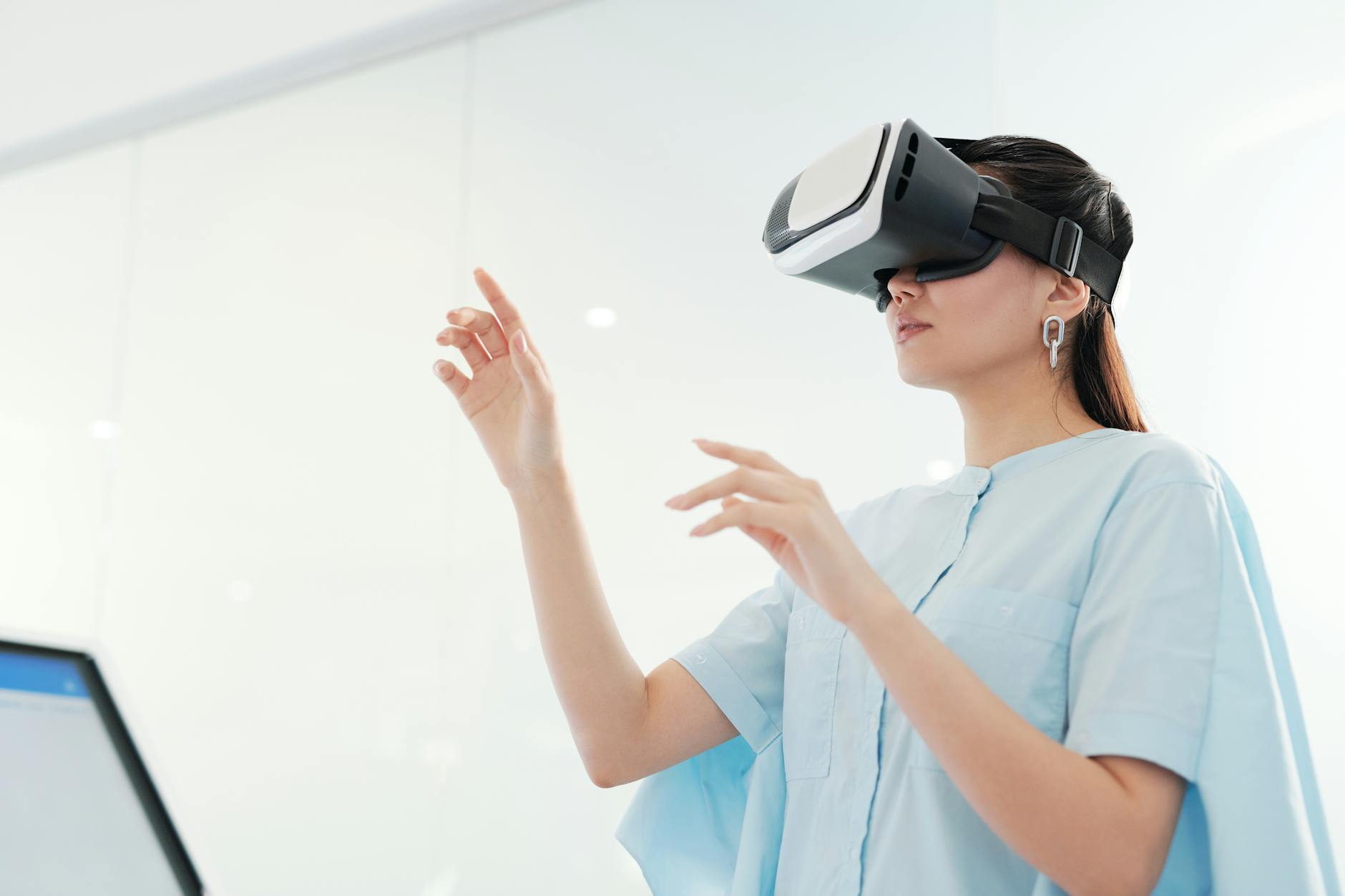
Xreal Air glasses prioritize portability and everyday wearability with a design that resembles traditional sunglasses. The device connects to smartphones and laptops to display a virtual screen that appears to float in front of the user. While not offering full AR navigation like bulkier headsets, the glasses can display maps and navigation information from connected devices.
Translation functionality depends on the connected smartphone or computer, accessing apps like Google Translate or Microsoft Translator through the virtual display. The lightweight design makes these glasses suitable for extended wear during travel, though the lack of built-in sensors limits advanced AR features.
5. Vuzix Blade Upgraded
Vuzix markets the Blade as smart glasses for everyday use, featuring a small display in the corner of the right lens. The Android-based system includes GPS navigation with voice-guided directions, while the built-in camera enables augmented reality features for location identification and information overlay. The monocular display design preserves natural vision while providing digital information.
Translation capabilities come through partnerships with language service providers, enabling real-time text translation when pointing the camera at signs or documents. Voice translation features work through connected smartphone apps, with results displayed on the integrated screen for discrete viewing during conversations.
6. Rokid Air
Rokid Air focuses on creating a large virtual display experience in lightweight glasses that weigh just 83 grams. The device mirrors content from smartphones, tablets, or laptops, displaying navigation apps on what appears to be a massive screen. While lacking independent processing power, the glasses provide an immersive viewing experience for maps and travel information.
Translation features depend entirely on connected devices, but the large virtual display makes it easier to read translated text compared to smartphone screens. The USB-C connectivity ensures broad compatibility with modern devices, while the adjustable diopter settings accommodate users with mild vision correction needs.

7. TCL NXTWear G
TCL’s approach emphasizes display quality and comfort for extended viewing sessions. The NXTWear G creates a virtual 140-inch display that can show navigation information, translation apps, and other smartphone content in a private viewing environment. The device weighs 130 grams and includes adjustable nose pads and temples for personalized fit.
Real-time translation works through any smartphone app displayed on the virtual screen, with the large viewing area making it easier to follow conversations in translation apps. The privacy aspect appeals to business travelers who need discrete access to sensitive navigation information or confidential translation services.
8. Epson Moverio BT-40S
Epson positions the Moverio series for industrial and professional applications, with the BT-40S offering improved brightness and contrast for outdoor use. The binocular display system provides stereoscopic 3D viewing and can overlay navigation information directly onto real-world views. Built-in sensors enable head tracking for responsive AR experiences.
Translation capabilities integrate with enterprise software platforms and can display multilingual instructions or safety information contextually within work environments. The ruggedized design withstands harsh conditions while maintaining clear display visibility, making it suitable for field work where both navigation and communication are critical.
Smart glasses technology continues advancing rapidly, with each device offering unique approaches to AR navigation and translation challenges. While some models like the wireless charging stations that power these devices require specific connectivity solutions, the integration of GPS, cameras, and language processing creates powerful tools for modern communication and navigation needs.
The choice between these options depends on specific use cases, budget considerations, and integration requirements with existing devices and workflows. As the technology matures, expect continued improvements in display quality, battery life, and AI-powered features that make these smart glasses increasingly practical for everyday use.
Frequently Asked Questions
Do smart glasses work offline for navigation?
Most smart glasses require internet connectivity for full navigation and translation features, though some cache maps for limited offline use.
How accurate is real-time translation in smart glasses?
Translation accuracy depends on the underlying service and language pair, with major languages typically achieving 85-95% accuracy for common phrases.