



What You Need to Know
Notion formulas transform static databases into dynamic automation engines. Beyond basic calculations, advanced formula properties can trigger cascading updates, automate status changes, and create intelligent data relationships that respond to your workflow patterns.
This guide covers formula syntax, property integration, conditional logic, and automation strategies that turn manual database management into hands-off systems. Whether you’re tracking project timelines, managing inventory, or building customer relationship workflows, these techniques eliminate repetitive updates and reduce human error.
The key difference between basic and advanced formula usage lies in understanding property dependencies and nested logic structures. Advanced formulas don’t just calculate – they anticipate, respond, and maintain data integrity across interconnected database properties.

Step 1: Master Formula Syntax and Property References
Formula construction in Notion follows specific syntax rules that determine how properties interact with each other. Property references use the exact property name wrapped in the prop() function, making formulas sensitive to name changes.
Basic syntax starts with simple operations. Addition, subtraction, multiplication, and division use standard mathematical operators (+, -, *, /). Text concatenation requires the + operator between string properties or literal text in quotes.
Property types determine available functions and operations. Number properties accept mathematical functions like round(), floor(), and ceil(). Date properties work with dateAdd(), dateBetween(), and formatDate(). Text properties respond to length(), contains(), and replace() functions.
Nested functions create complex logic chains. The if() function takes three parameters: condition, value if true, value if false. Multiple conditions require nested if() statements or logical operators like and(), or(), and not().
Error handling prevents formula breaks when properties contain unexpected values. The empty() function checks for blank values, while the toNumber() function converts text to numbers safely.
Step 2: Build Conditional Logic for Status Automation
Conditional formulas automate status updates based on property values and relationships. These formulas eliminate manual status tracking by responding to data changes across multiple properties.
Project status automation relies on date comparisons and completion percentages. A formula can evaluate whether a project is overdue, on track, or completed based on due dates and progress indicators. The formula checks current date against deadline, then factors in completion percentage to determine appropriate status.
Task priority assignment uses multiple criteria to rank items automatically. A formula might consider due date proximity, project importance, and resource availability to assign priority levels. This approach ensures urgent items surface without manual intervention.
Customer relationship management benefits from conditional logic that updates contact status based on interaction history. Formulas can identify hot leads, dormant contacts, or high-value customers by analyzing communication frequency and deal values.
Inventory management formulas trigger reorder alerts when stock levels drop below thresholds. These formulas consider current inventory, sales velocity, and lead times to determine optimal reorder timing.
Step 3: Create Dynamic Calculations with Cross-Database References
Cross-database formulas pull data from related databases to create comprehensive calculations. These formulas use rollup properties and relation connections to aggregate information across multiple data sources.

Revenue calculations often require data from multiple databases – customers, products, and transactions. A formula might multiply product prices by quantities sold, then factor in customer discount rates to calculate actual revenue per transaction.
Project budget tracking involves expense databases linked to project databases. Formulas can calculate remaining budget by subtracting actual expenses from allocated amounts, providing real-time budget status without manual updates.
Employee performance metrics combine data from time tracking, project completion, and goal achievement databases. Formulas can weight different performance indicators to create composite scores that update automatically as new data arrives.
Inventory valuation requires product cost data from supplier databases combined with current stock levels. Formulas can calculate total inventory value and identify which products represent the largest capital investments.
Step 4: Implement Date and Time Automation
Date formulas automate timeline management and deadline tracking across project lifecycles. These formulas calculate intervals, adjust schedules, and trigger time-based status changes.
Project timeline formulas calculate end dates based on start dates and duration estimates. The dateAdd() function adds days, weeks, or months to start dates, automatically adjusting for weekends and holidays when configured properly.
Aging calculations determine how long items have remained in specific states. Customer service tickets, pending approvals, and outstanding invoices can all benefit from aging formulas that highlight items requiring attention.
Recurring date calculations automate subscription renewals, maintenance schedules, and review cycles. Formulas can calculate next due dates based on frequency patterns and completion dates.
Time tracking formulas calculate billable hours, project duration, and productivity metrics. These formulas can subtract break times, account for different hourly rates, and generate accurate time reports.
Step 5: Design Advanced Text Manipulation and Formatting
Text formulas create formatted outputs, extract information from existing text fields, and standardize data entry across databases. These formulas maintain consistency and improve data presentation.
Name formatting standardizes contact information by combining first and last name fields with proper spacing and capitalization. The format() function creates templates that ensure consistent display across all records.
Email address validation uses pattern matching to verify email formats before allowing database entries. While Notion’s text functions are limited compared to regex, basic validation can catch common formatting errors.
Address formatting combines multiple address fields into standardized formats for mailing labels or shipping integration. Formulas can handle international address variations and optional fields like apartment numbers.
Code generation creates unique identifiers, project codes, or SKU numbers based on property values. These formulas might combine date stamps, category codes, and sequential numbers to ensure uniqueness.
Step 6: Build Multi-Level Conditional Logic
Complex conditional formulas handle multiple scenarios and decision trees that simple if/then statements cannot manage. These formulas create sophisticated automation that responds to various combinations of conditions.
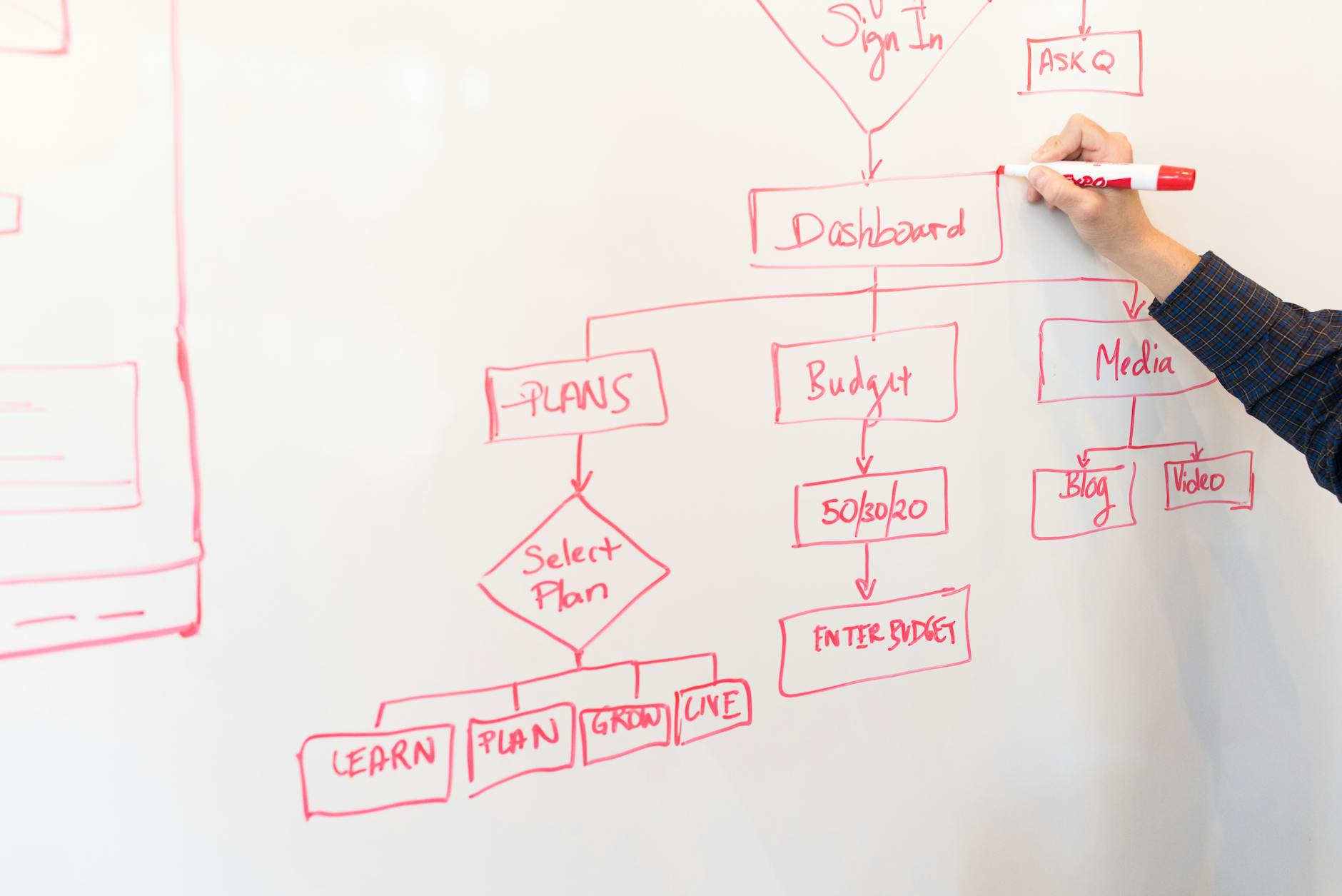
Sales commission calculations often require tiered logic based on sales volume, product type, and salesperson experience level. Nested if() statements can evaluate multiple criteria to determine appropriate commission rates and bonuses.
Project resource allocation formulas consider team availability, skill requirements, and project priority to suggest optimal resource assignments. Multiple condition checks ensure resources are allocated efficiently across competing priorities.
Quality control formulas evaluate products against multiple criteria to determine pass/fail status. These formulas might check dimensions, weights, and test results against specifications to automate quality decisions.
Customer segmentation uses demographic, behavioral, and purchase history data to categorize customers automatically. Complex formulas can create detailed customer profiles that drive marketing and sales strategies.
Key Takeaways
Formula mastery transforms Notion databases from simple storage systems into intelligent automation platforms. The techniques covered here – property references, conditional logic, cross-database calculations, date automation, text manipulation, and multi-level conditions – create self-maintaining systems that reduce manual work and improve data accuracy.
Start with simple formulas and build complexity gradually. Test each formula component individually before combining them into complex expressions. Document your formula logic for future reference and team members who need to understand or modify your systems.
Advanced automation requires careful planning of database structure and property relationships. Consider how data flows between properties and databases when designing your formula strategy. The most effective implementations often involve restructuring existing databases to support better automation rather than forcing complex formulas onto poorly structured data.