



RGB lighting has evolved from simple color changes to sophisticated ecosystems that sync across entire PC builds. Corsair’s iCUE LINK and Razer’s Chroma platform represent the pinnacle of PC lighting control, each offering unique advantages for different types of users.
Both systems promise seamless integration, stunning visual effects, and comprehensive control over your gaming setup’s aesthetics. The choice between them often comes down to your existing hardware, budget, and specific lighting preferences.
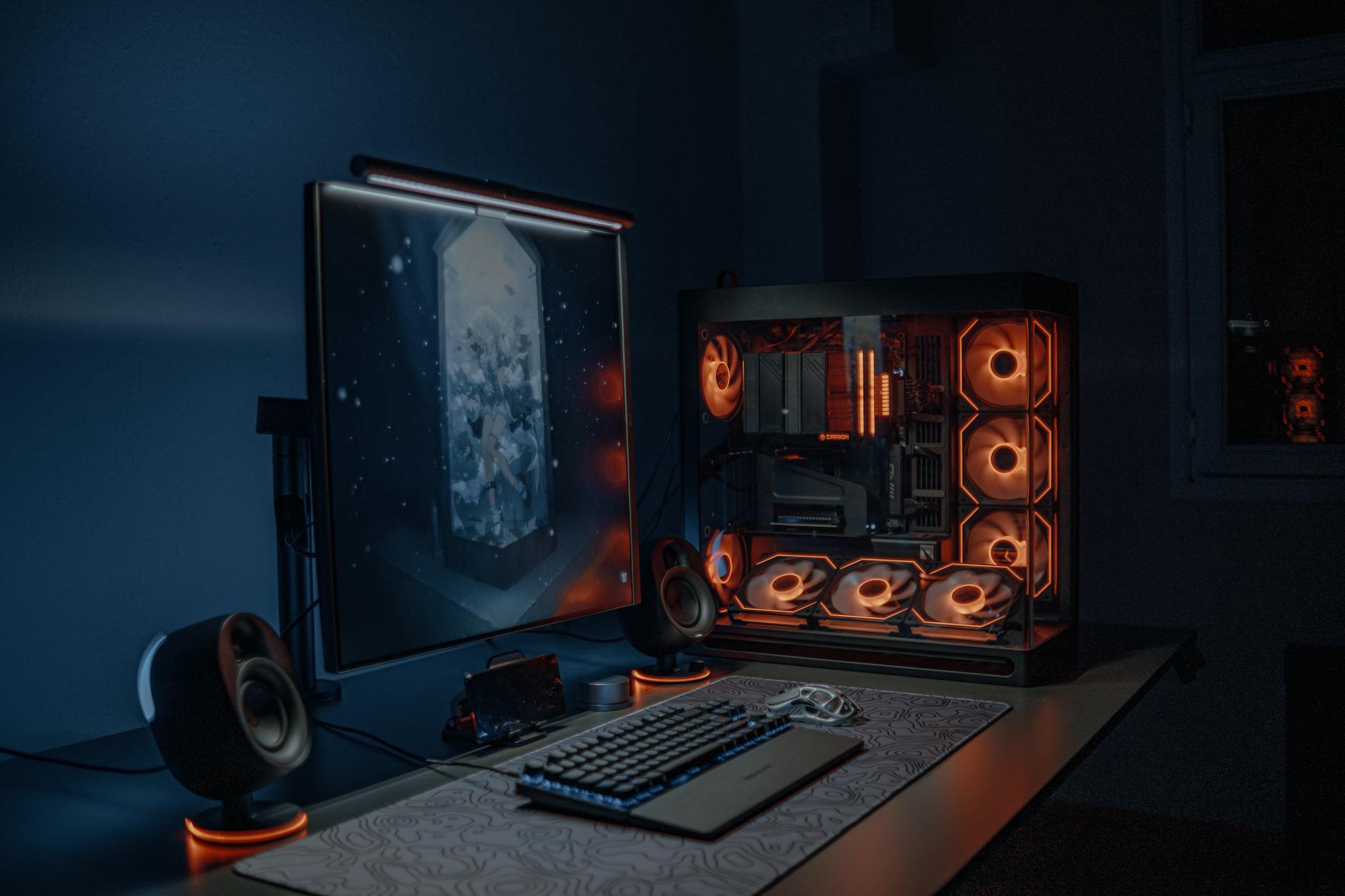
1. Hardware Compatibility and Ecosystem Integration
Corsair iCUE LINK builds on the company’s established iCUE software foundation, supporting an extensive range of Corsair products including RAM, coolers, fans, keyboards, mice, and headsets. The LINK system introduces daisy-chain connectivity that reduces cable clutter while maintaining precise control over individual components. This approach works exceptionally well if you’re already invested in Corsair’s ecosystem.
Razer Chroma takes a different approach with broader third-party support. Major manufacturers like ASUS, MSI, and even some Philips Hue products integrate directly with Chroma. This cross-brand compatibility makes Razer the more versatile choice for mixed-hardware builds. The platform supports over 500 devices from various manufacturers, creating opportunities for lighting synchronization that extends beyond traditional PC components.
2. Software Interface and User Experience
The iCUE software interface prioritizes granular control over individual components. Users can create detailed lighting profiles, adjust fan curves, and monitor system temperatures from a single dashboard. The LINK addition simplifies physical installation while maintaining software complexity for enthusiasts who want precise customization. Recent updates have improved the software’s stability and reduced its system resource footprint.
Razer Synapse 3 focuses on accessibility and ease of use. The Chroma Studio module allows users to create lighting effects through an intuitive visual interface, making it approachable for newcomers to RGB lighting. The software integrates seamlessly with popular games, automatically triggering lighting effects that correspond to in-game events. This game integration often feels more polished than competing solutions.
3. Installation and Setup Process
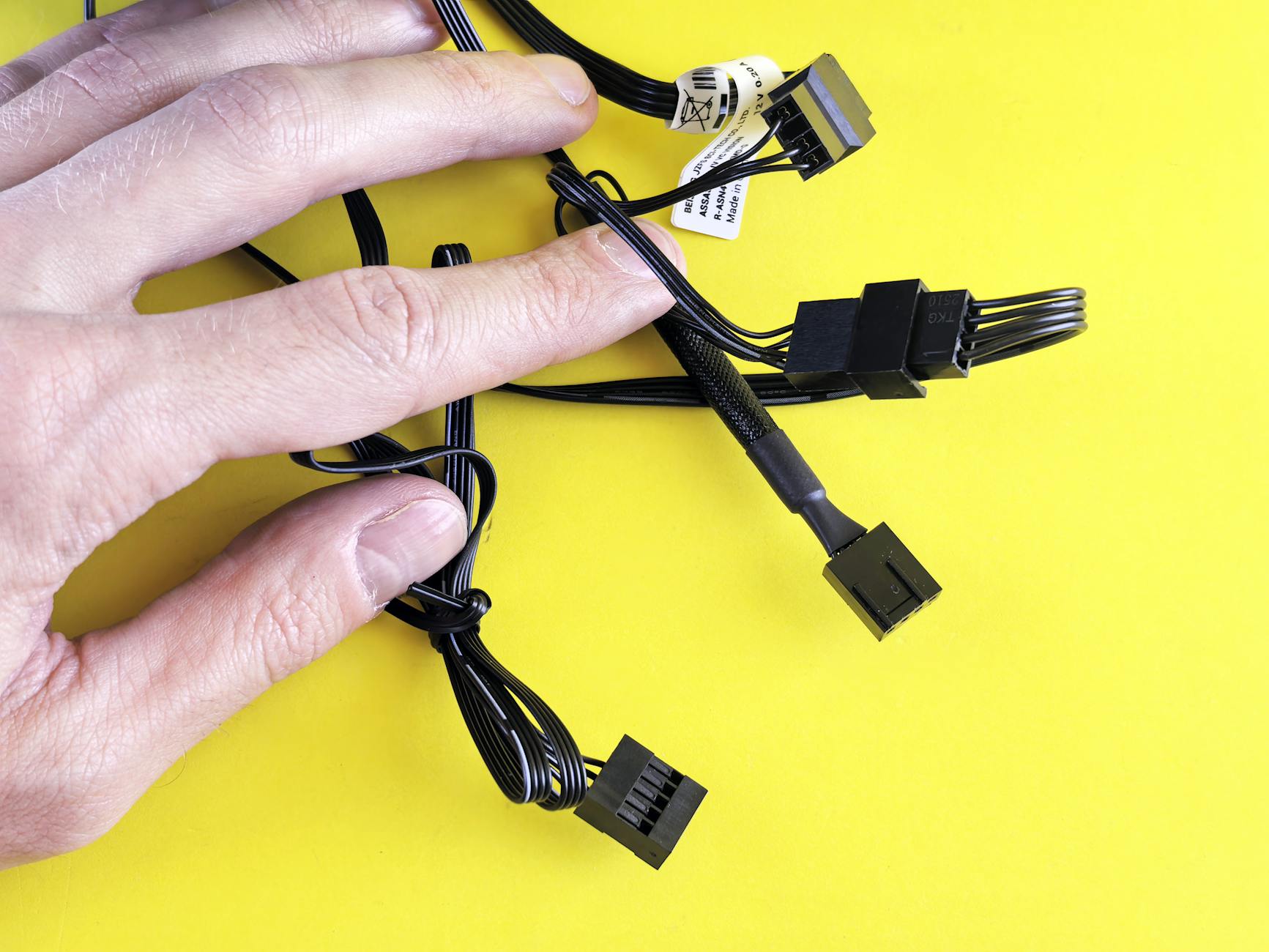
Corsair’s LINK system revolutionizes installation by reducing the typical rat’s nest of RGB cables to a single daisy-chain connection. Each LINK device connects to the next, with only one cable running back to the hub. This dramatically simplifies builds and reduces points of failure. However, you’re locked into using LINK-compatible devices, which limits upgrade flexibility if you want to mix brands later.
Razer Chroma requires more traditional installation methods, with individual connections for each RGB component. While this creates more cable management challenges, it offers greater flexibility in hardware selection. Third-party Chroma-compatible devices often use standard RGB headers or USB connections, making integration straightforward for experienced builders.
4. Lighting Effects and Customization Options
Both platforms offer impressive preset effects, but their strengths differ significantly. Corsair iCUE LINK excels at creating cohesive lighting across all components, with effects that flow seamlessly from fans to RAM to peripherals. The software includes advanced features like temperature-based color changes and audio-reactive lighting that responds to system sounds or music.
Razer Chroma’s standout feature is its game integration capability. Supported titles like Overwatch, Apex Legends, and Cyberpunk 2077 trigger specific lighting effects that correspond to gameplay events. Your keyboard might flash red when taking damage, or your entire setup could shift colors based on the game environment. This immersive integration creates a more engaging gaming experience than static lighting profiles, similar to how immersive technologies enhance other entertainment experiences like those found in advanced VR headsets.
5. Performance Impact and System Resources
Corsair iCUE has historically been resource-intensive, though recent optimizations have improved its efficiency. The software typically uses 100-200MB of RAM and minimal CPU resources during normal operation. The LINK system’s hardware-based processing reduces the software load compared to older iCUE implementations, as much of the lighting calculation happens at the device level.
Razer Synapse 3 maintains a lighter system footprint, generally using 50-100MB of RAM with negligible CPU impact. The modular design allows users to install only the components they need, further reducing resource usage. However, having multiple RGB software packages running simultaneously can compound system impact if you’re using mixed-brand components.
6. Price and Value Considerations
Corsair iCUE LINK components typically command premium pricing, with the convenience and integration quality justifying higher costs for many users. A complete LINK ecosystem including fans, cooler, and RAM can represent a significant investment. However, the reduced cable complexity and unified control often justify the expense for high-end builds.
Razer Chroma’s value proposition lies in its flexibility and third-party support. While Razer’s own peripherals aren’t budget options, the ability to integrate cheaper third-party RGB components keeps overall system costs manageable. This approach works particularly well for builders who prioritize lighting effects over brand cohesion.

7. Long-term Support and Future-Proofing
Corsair has committed to long-term iCUE support with regular updates and new device integration. The LINK standard represents the company’s future direction, suggesting continued development and expansion. However, this ecosystem approach means you’re betting on Corsair’s continued market presence and software development.
Razer’s open approach to third-party integration provides better long-term flexibility. Even if Razer discontinues Chroma development, many components would retain basic functionality. The broader industry support also means more options for future upgrades without complete ecosystem replacement.
The choice between Corsair iCUE LINK and Razer Chroma ultimately depends on your priorities. Choose Corsair if you value seamless integration, simplified installation, and don’t mind committing to a single ecosystem. Opt for Razer if you prefer flexibility, game integration, and the ability to mix hardware brands while maintaining synchronized lighting effects.
Frequently Asked Questions
Which RGB system has better game integration?
Razer Chroma excels at game integration with over 150 supported titles that trigger lighting effects based on gameplay events.
Is Corsair iCUE LINK easier to install than Razer Chroma?
Yes, iCUE LINK uses daisy-chain connections that significantly reduce cable management compared to traditional RGB setups.