


What You Need to Know
Building a custom gaming PC under $1500 delivers exceptional performance without breaking the bank. Modern components offer incredible value, making high-quality gaming accessible to more enthusiasts than ever. Smart component selection and strategic shopping can net you a machine that runs AAA titles at 1440p with smooth frame rates.
The key lies in balancing performance across all components rather than overspending on one area. A well-planned $1500 build often outperforms pre-built systems costing $2000 or more. Current market conditions favor builders, with graphics card prices stabilizing and AMD’s competitive processors driving down Intel pricing.
This guide walks you through every component choice, from processor to power supply, with specific recommendations that maximize gaming performance within budget constraints. You’ll learn where to splurge, where to save, and how to future-proof your investment.
Step 1: Plan Your Component Budget Allocation
Allocate your $1500 budget strategically across components. Graphics cards should consume 35-40% of your budget ($525-600), as they handle the heaviest gaming workload. The processor deserves 15-20% ($225-300), while motherboard, RAM, and storage each warrant 8-12% ($120-180).
Power supply and case each merit 6-8% ($90-120), with the remaining budget covering peripherals or upgrades. This allocation ensures balanced performance without bottlenecks.
Start by selecting your graphics card first, then build around it. Current sweet spots include the RTX 4060 Ti or RX 7600 XT, both offering excellent 1440p performance within budget constraints.
Step 2: Choose Your Graphics Card Foundation
Select a graphics card that matches your gaming goals. For 1440p gaming at high settings, the RTX 4060 Ti 16GB or RX 7700 XT deliver excellent performance around $500-550. These cards handle modern titles like Cyberpunk 2077, Baldur’s Gate 3, and Starfield with respectable frame rates.
The RTX 4060 Ti offers superior ray tracing and DLSS 3 support, extending its lifespan significantly. The RX 7700 XT provides more raw rasterization power and larger VRAM buffer, beneficial for texture-heavy games.
Consider your monitor resolution when choosing. These cards excel at 1440p but struggle with 4K gaming. If you game at 1080p, consider the more affordable RTX 4060 or RX 7600, saving budget for other components.
Step 3: Select Compatible Processor and Motherboard
Match your processor to your graphics card’s performance level. The AMD Ryzen 5 7600 or Intel Core i5-13400F both offer excellent gaming performance around $200-230. These processors won’t bottleneck mid-range graphics cards while leaving budget for other components.
AMD’s AM5 platform offers better upgrade paths, supporting future Ryzen processors through 2027. Intel’s LGA 1700 platform provides current-generation value but may require motherboard replacement for next-gen processors.
Choose motherboards carefully. B650 motherboards for AMD or B760 for Intel provide essential features without premium pricing. Look for boards with sufficient PCIe slots, multiple M.2 connectors, and robust VRM cooling around $120-150.
Avoid overspending on motherboard features you won’t use. Built-in WiFi, multiple GPU support, and extensive RGB lighting add cost without gaming performance benefits.
Step 4: Configure Memory and Storage
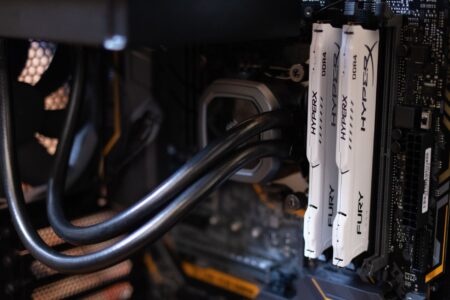
Install 32GB of DDR5 RAM for optimal performance, though 16GB suffices for most current games. DDR5-5600 or DDR5-6000 kits offer the best price-performance ratio around $120-150 for 32GB. Higher speeds provide minimal gaming improvements while increasing costs significantly.
Choose dual-channel kits (2x16GB) over single modules. Dual-channel configuration nearly doubles memory bandwidth, particularly beneficial for AMD processors that rely heavily on memory performance.
For storage, prioritize a 1TB NVMe SSD as your primary drive. PCIe 4.0 drives offer faster loading times in DirectStorage-enabled games. Samsung 980 Pro, WD Black SN850X, or Crucial P5 Plus provide excellent performance around $80-100 per terabyte.
Skip mechanical hard drives initially. Modern games benefit significantly from SSD storage, and 1TB provides sufficient space for your operating system and 8-12 large games.
Step 5: Power Supply and Case Selection
Choose a power supply that exceeds your system’s requirements by 20-30%. A quality 750W 80+ Gold unit provides ample headroom for your components while maintaining efficiency. Brands like Corsair RM750x, EVGA SuperNOVA GT, or Seasonic Focus GX offer reliable power delivery around $100-120.
Modular power supplies simplify cable management and improve airflow. Semi-modular units provide good value, allowing you to connect only necessary cables while keeping essential connections hardwired.
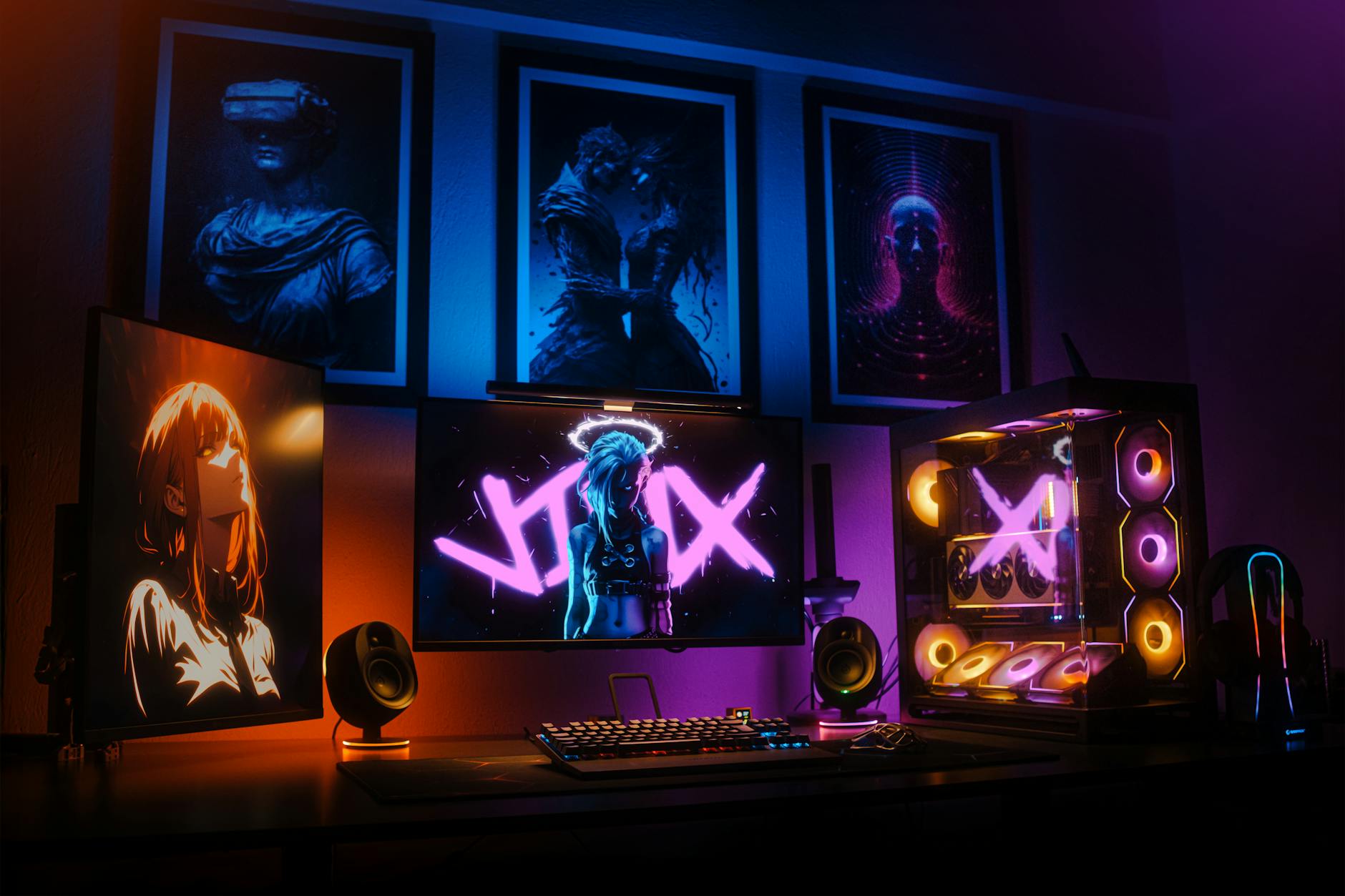
Select cases that balance airflow, build quality, and aesthetics. Mid-tower cases like the Fractal Design Core 3000, Corsair 4000D, or be quiet! Pure Base 500DX provide excellent ventilation and component compatibility around $80-120.
Ensure your case accommodates your graphics card length and provides adequate front-to-back airflow. Most modern cases include at least two intake fans and one exhaust fan, sufficient for moderate gaming loads.
Step 6: Assembly and Initial Setup
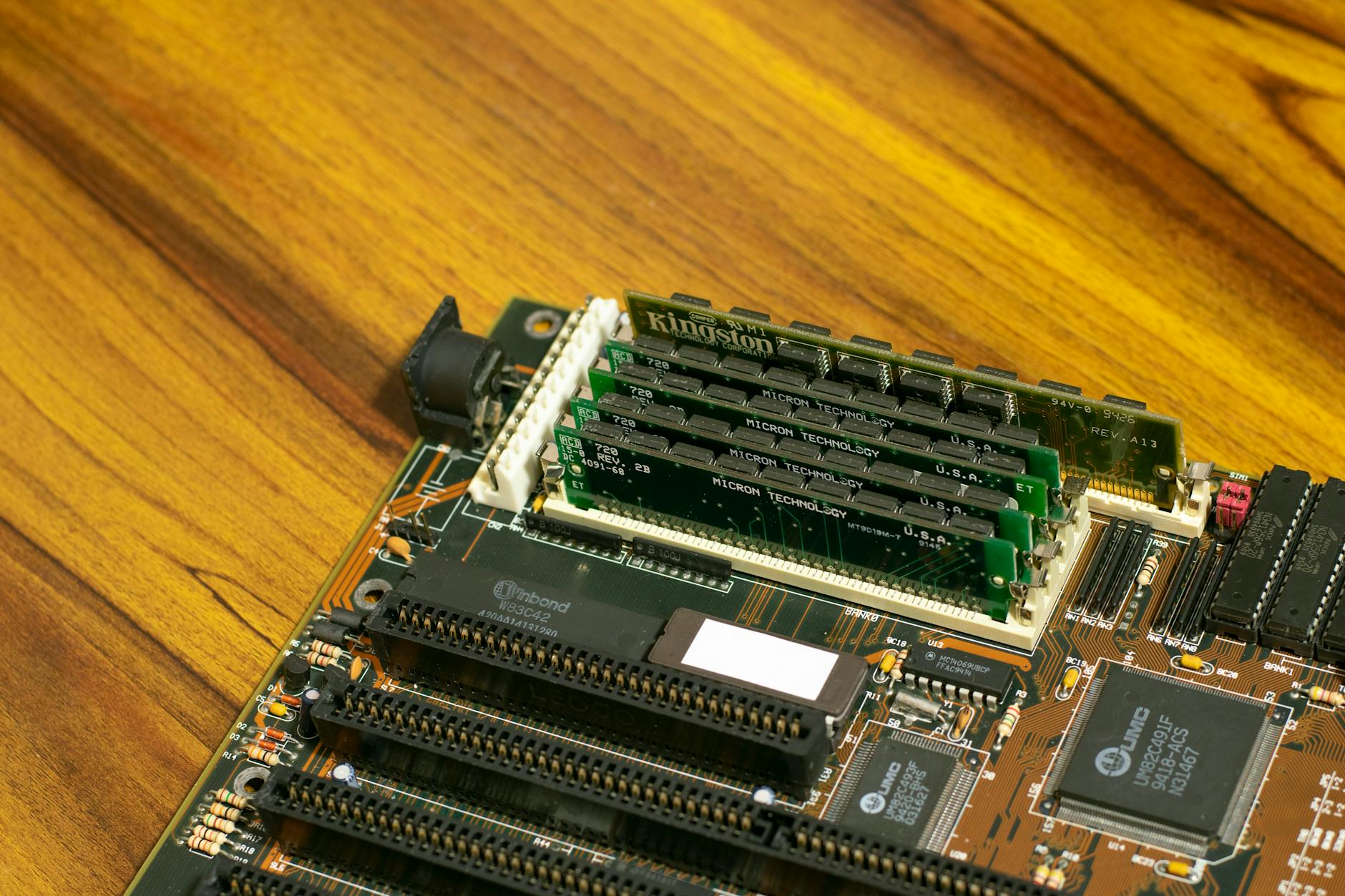
Assemble components systematically, starting with motherboard preparation outside the case. Install your processor, RAM, and M.2 storage on the motherboard before mounting it in the case. This approach simplifies installation and reduces potential damage.
Apply thermal paste sparingly if your CPU cooler doesn’t include pre-applied paste. A rice grain-sized amount spreads adequately under mounting pressure. Most stock coolers include pre-applied paste, eliminating this step.
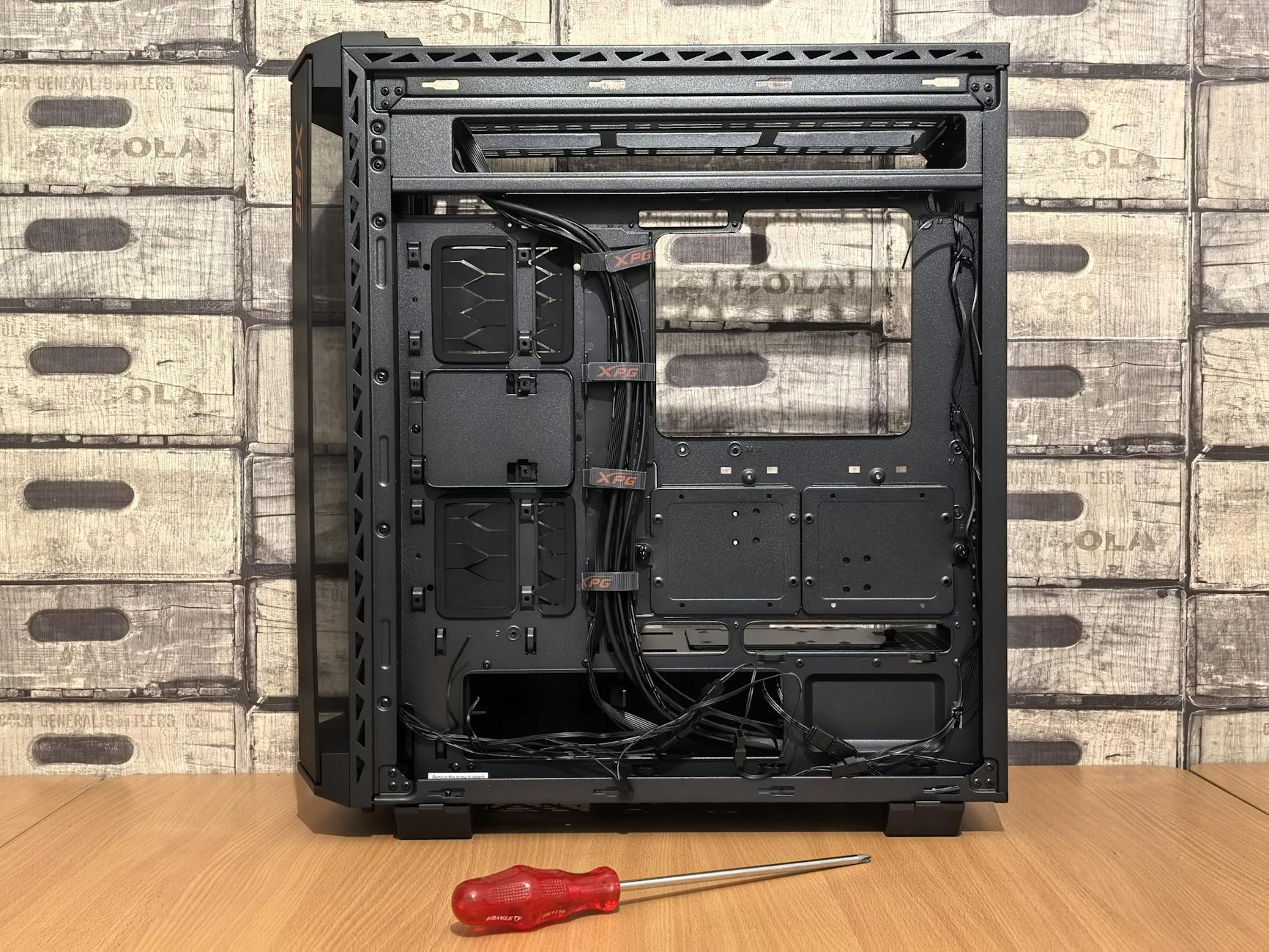
Connect power cables before installing the graphics card, as space becomes limited afterward. Route cables behind the motherboard tray when possible, improving airflow and aesthetics.
Install your graphics card last, ensuring the PCIe retention clip engages properly. Connect both PCIe power connectors if your card requires them, using separate cables rather than daisy-chaining when possible.
Step 7: Software Installation and Optimization
Install Windows and essential drivers immediately after successful POST. Download graphics drivers directly from NVIDIA or AMD websites rather than relying on Windows Update versions. Current drivers often include game-specific optimizations and bug fixes.
Update your motherboard BIOS to the latest version for improved memory compatibility and performance. Most modern motherboards include BIOS flashback features, simplifying this process without requiring older processors.
Enable memory XMP or DOCP profiles in BIOS to achieve rated memory speeds. Default settings often run memory at JEDEC speeds, leaving significant performance on the table. Monitor temperatures initially to ensure stability.
Install essential software including Steam, monitoring tools like MSI Afterburner or HWiNFO, and your preferred game launcher. Consider setting up a multi-monitor workstation if you plan to stream or multitask while gaming.
Key Takeaways
Building a custom gaming PC under $1500 requires strategic component selection and budget allocation. Prioritize your graphics card as the primary gaming component, allocating 35-40% of your budget here. Balance remaining funds across processor, motherboard, memory, and storage to avoid bottlenecks.
Modern components offer exceptional value, with mid-range processors and graphics cards delivering smooth 1440p gaming performance. Smart shopping and component compatibility research maximize your budget’s effectiveness.
Focus on proven, reliable components from established manufacturers rather than chasing cutting-edge features. A well-balanced system with quality components provides years of gaming enjoyment while maintaining upgrade flexibility.
Remember that building PCs requires patience and attention to detail, but the performance and satisfaction rewards justify the effort. Your custom build will likely outperform similarly-priced pre-built systems while teaching valuable technical skills.
Frequently Asked Questions
What graphics card should I choose for a $1500 gaming PC build?
The RTX 4060 Ti 16GB or RX 7700 XT offer excellent 1440p gaming performance around $500-550, perfect for this budget range.
Is 16GB or 32GB RAM better for gaming in 2024?
While 16GB handles most current games, 32GB provides better future-proofing and multitasking performance for only $30-50 more.