


Overview
Most laptops are sealed appliances. When the battery fades or the SSD fills up, the practical answer is usually to buy a new one. The Framework Laptop 13 rejects that logic with a chassis built to be opened, repaired, and rebuilt, and it ships with the screwdriver needed to do it.
That premise sounds like a niche pitch, and for a while it was. But the 13-inch model has matured into a laptop that makes sense for people who just want a good ultraportable and have no interest in tinkering.

The Framework Laptop 13 pairs a 13.5-inch display in a 3:2 aspect ratio with an aluminum body. Its sales model is unusual. You can buy a prebuilt configuration with everything installed, or the DIY Edition, where you add your own memory, storage, and operating system. Processor options have rotated between Intel Core and AMD Ryzen platforms across generations, so check the current configurator for what is on offer before you commit.
The signature feature is the Expansion Card system. Instead of fixed ports, the laptop has four bays that accept small modules: USB-C, USB-A, HDMI, DisplayPort, microSD, extra storage, and more. You choose the port layout you need and swap it in seconds. It is a simple idea that makes you wonder why every thin laptop doesn’t do it.
Underneath, the design goal is longevity. The mainboard, memory, SSD, battery, display, keyboard, and even the bezel can be replaced as individual parts, and the company sells them directly. Upgrading from one generation to the next can mean swapping the mainboard instead of buying a whole new machine.
Design and Build
The Framework does not look like a repairable laptop. It looks like a clean, understated ultraportable, with a straightforward aluminum lid and a tidy keyboard deck. The reveal comes when you flip it over and find captive screws, color-coded connectors, and QR codes pointing to guides.
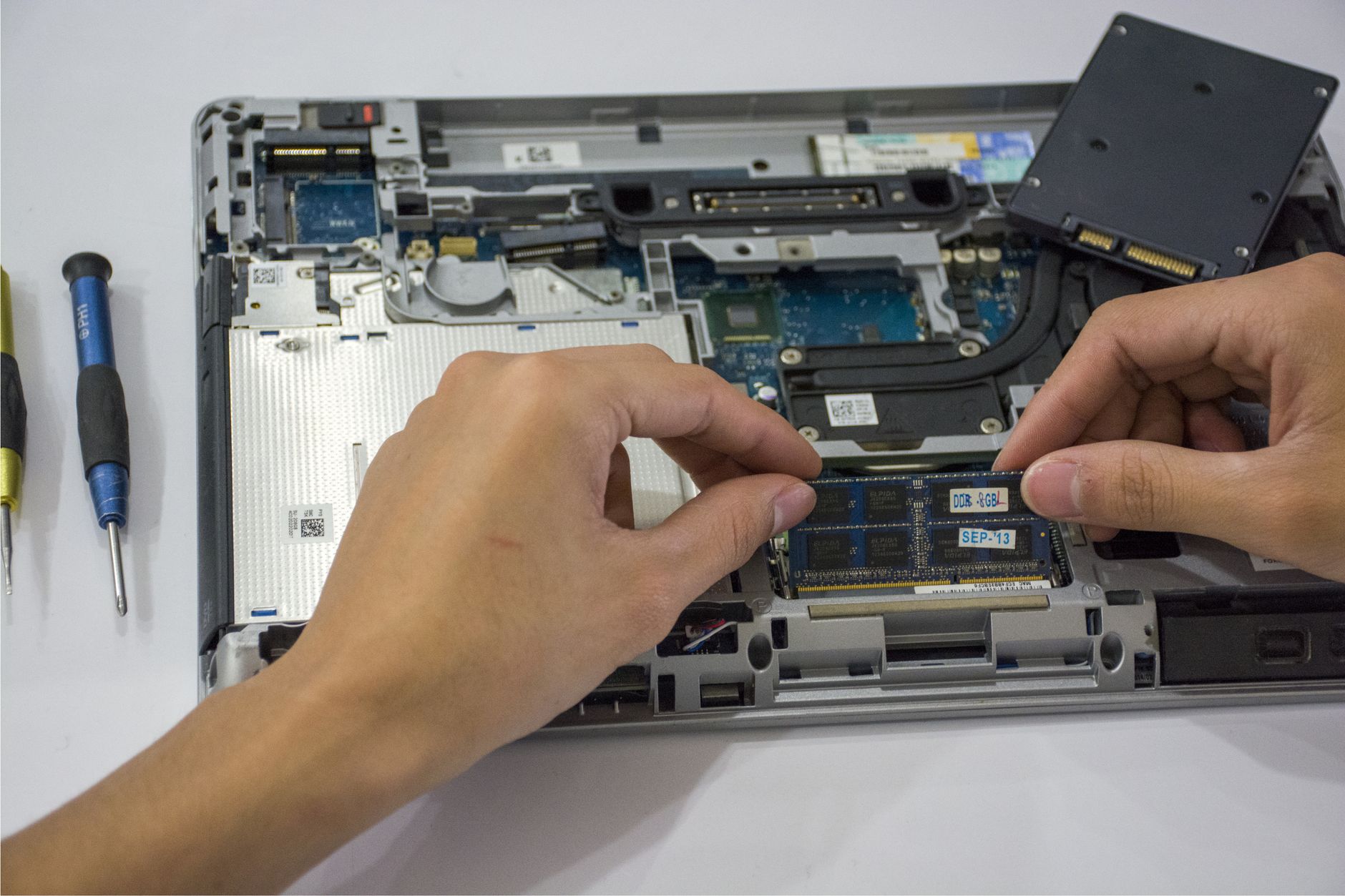
Opening it up is less intimidating than it sounds. A first-time user can swap the RAM or SSD with the included driver and a little patience, and the process is closer to assembling furniture than doing electronics repair.
The 3:2 screen is an underrated pleasure. The extra vertical space makes a real difference when you are reading documents, scrolling long web pages, or working in a code editor. Side-by-side windows feel less cramped than on a 16:9 panel of the same width.
Performance in Everyday Use
This is a machine for productivity, not for chasing frame rates. Browsing with dozens of tabs, video calls, spreadsheets, light photo editing, and coding workloads all fall within what the current processor options handle comfortably. There is no discrete GPU option on the 13-inch model, so heavy gaming and demanding video work are better served elsewhere. If that is your priority, our Razer Blade 16 vs ASUS ROG Zephyrus G16 comparison covers laptops built for that job.
Memory is the part buyers should think about. Because you can add your own RAM in the DIY Edition, you can often avoid the markup that mainstream laptops charge for memory upgrades. The same goes for storage, where a standard M.2 SSD is far cheaper than a proprietary configuration.
Pros
Repairability that actually works
Plenty of companies claim repairability. Framework backs it up with a parts marketplace, public guides, and a design where a cracked screen or a worn battery is a modest fix rather than a write-off. Over a typical ownership span, that changes the cost math considerably.
Ports you choose
Needing HDMI for a presentation one day and a microSD reader the next is no longer a dongle problem. You rearrange the cards. If you travel light, you can run a minimal USB-C setup and keep the rest in a bag.
A real upgrade path
Swapping the mainboard while keeping the chassis, screen, and keyboard is the strongest argument for the whole concept. It turns the laptop into a platform instead of a product with an expiry date. It also reduces electronic waste, which matters if you care about that.
A better screen shape
The 3:2 display is sharp, bright enough for most indoor work, and well suited to document-heavy tasks. For writers, students, and developers, it is a better working canvas than the typical widescreen ultraportable.
Friendly to Linux and tinkerers
The DIY model arrives without an operating system, and the hardware is popular with people who run Linux. If you like choosing your own software stack, the Framework treats that as a feature and not an afterthought.
Cons
Battery life is merely adequate
Efficiency is not the Framework’s strongest suit. Against the best battery performers in the ultraportable class, it tends to give up some hours, and the gap becomes noticeable on a long day away from an outlet. A replaceable battery softens the blow over the years, but it does not fix the daily experience.
Price versus polish
You are paying for modularity. Compared with mainstream laptops of similar processing power, the Framework can cost more up front, particularly once you add cards and a decent amount of memory. The savings arrive later, through repairs and upgrades you may or may not end up doing.
Speakers and webcam are afterthoughts
The audio is functional and thin. The webcam gets the job done for meetings but will not impress anyone. These are areas where polished competitors with larger budgets for acoustics and imaging pull ahead. If you want a laptop for media, you will probably reach for headphones.
Chassis feel
The aluminum body is solid enough, but the design makes compromises to stay serviceable. It does not feel quite as tightly engineered as the best sealed ultraportables, and some flex in the lid and deck is visible if you go looking for it.
The fan under load
Under sustained workloads, a thin chassis has limited thermal headroom. The fan can become audible when you push the processor, which is a tradeoff of fitting a modular design into a slim body.
Verdict
The Framework Laptop 13 is the best argument yet that a laptop can be both practical and repairable. It is not the lightest, quietest, or longest-lasting ultraportable you can buy, and it makes no secret of that. What it offers is control: over your ports, your parts, and how long the machine stays useful.
Buy it if you keep laptops for many years, enjoy upgrading or repairing your own gear, run Linux, or simply dislike the throwaway economics of sealed devices. It is also a smart pick for anyone managing devices for a small team, where replaceable parts can reduce downtime.
Skip it if you want the longest battery life, the best speakers and webcam, or a laptop that you will never open. A sealed alternative will likely feel more polished in daily use, and you will not miss the screwdriver.
Our recommendation is a clear yes for the right buyer, and a qualified one for everyone else. The repairability pitch only pays off if you actually use it, so be honest with yourself: when the next processor generation arrives, will you really swap the mainboard, or will you just buy something new anyway?
Frequently Asked Questions
Is the Framework Laptop 13 good for everyday use?
Yes. It handles browsing, office work, video calls, and light creative tasks comfortably, and its 3:2 display suits document-heavy work.
Can you upgrade the Framework Laptop 13 yourself?
Yes. Memory, storage, battery, display, and even the mainboard are user-replaceable, and Framework sells the parts directly.
What are the Framework Laptop 13’s main weaknesses?
Battery life trails the best ultraportables, the speakers and webcam are basic, and the price can run higher than sealed laptops with similar processing power.
Does the Framework Laptop 13 have a dedicated graphics card?
No. The 13-inch model relies on integrated graphics, so it is better suited to productivity than demanding gaming or heavy video work.