

The Case for Owning Your Own Cloud
Subscription fatigue is real. Between cloud storage fees stacking up across Google One, iCloud, and Dropbox, more people are looking at personal NAS (network-attached storage) devices as a one-time purchase that puts data control back in their hands. Two devices dominate that conversation right now: the Synology BeeStation and the Western Digital My Cloud Home. Both promise easy setup, automatic photo backup, and remote access from anywhere. But they take very different approaches to getting you there – and those differences matter enormously depending on who you are and what you actually need.
This comparison breaks down seven key categories where these two devices diverge, from raw hardware to long-term software support. The goal is a clear answer, not a diplomatic tie.
1. Hardware and Storage Options
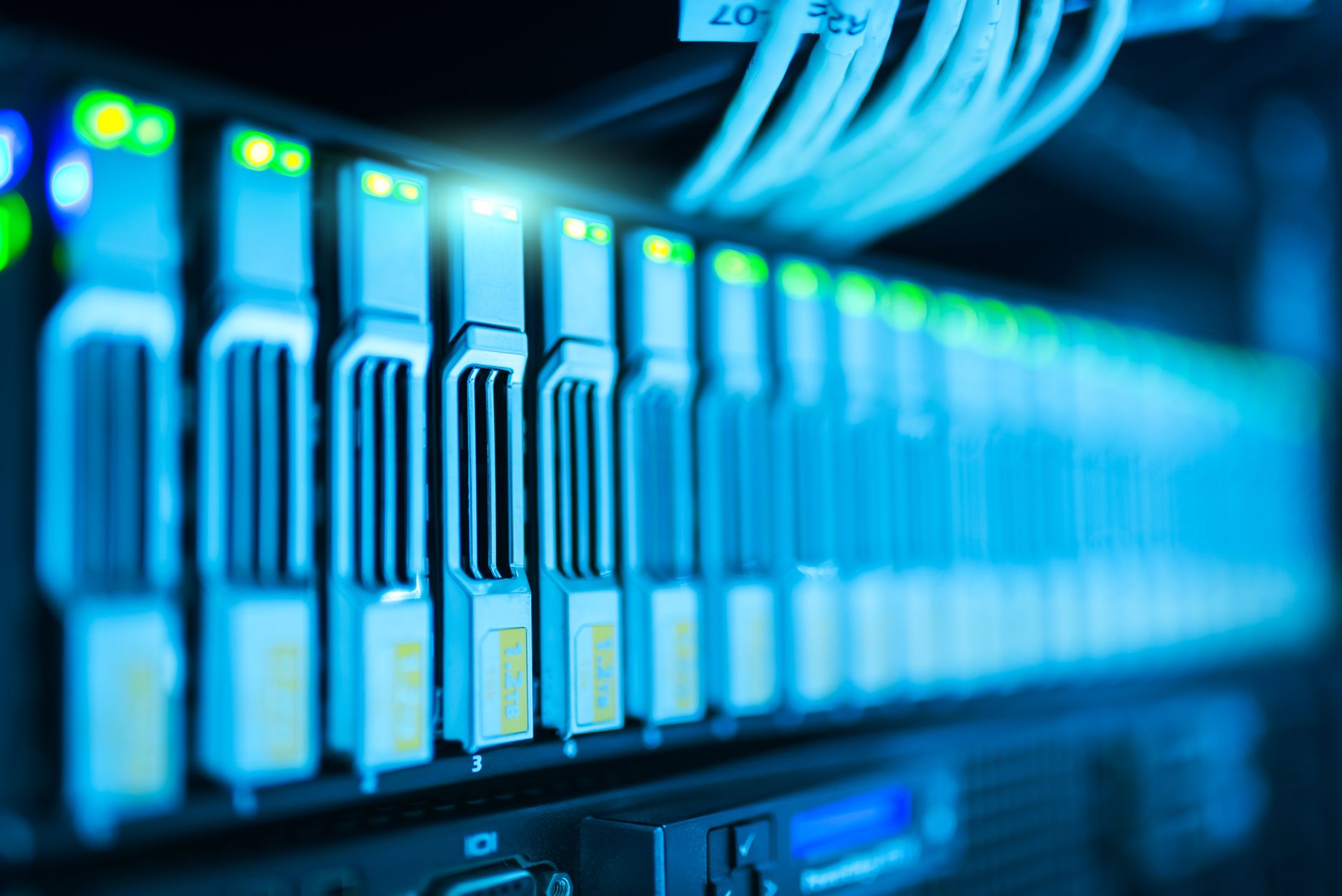
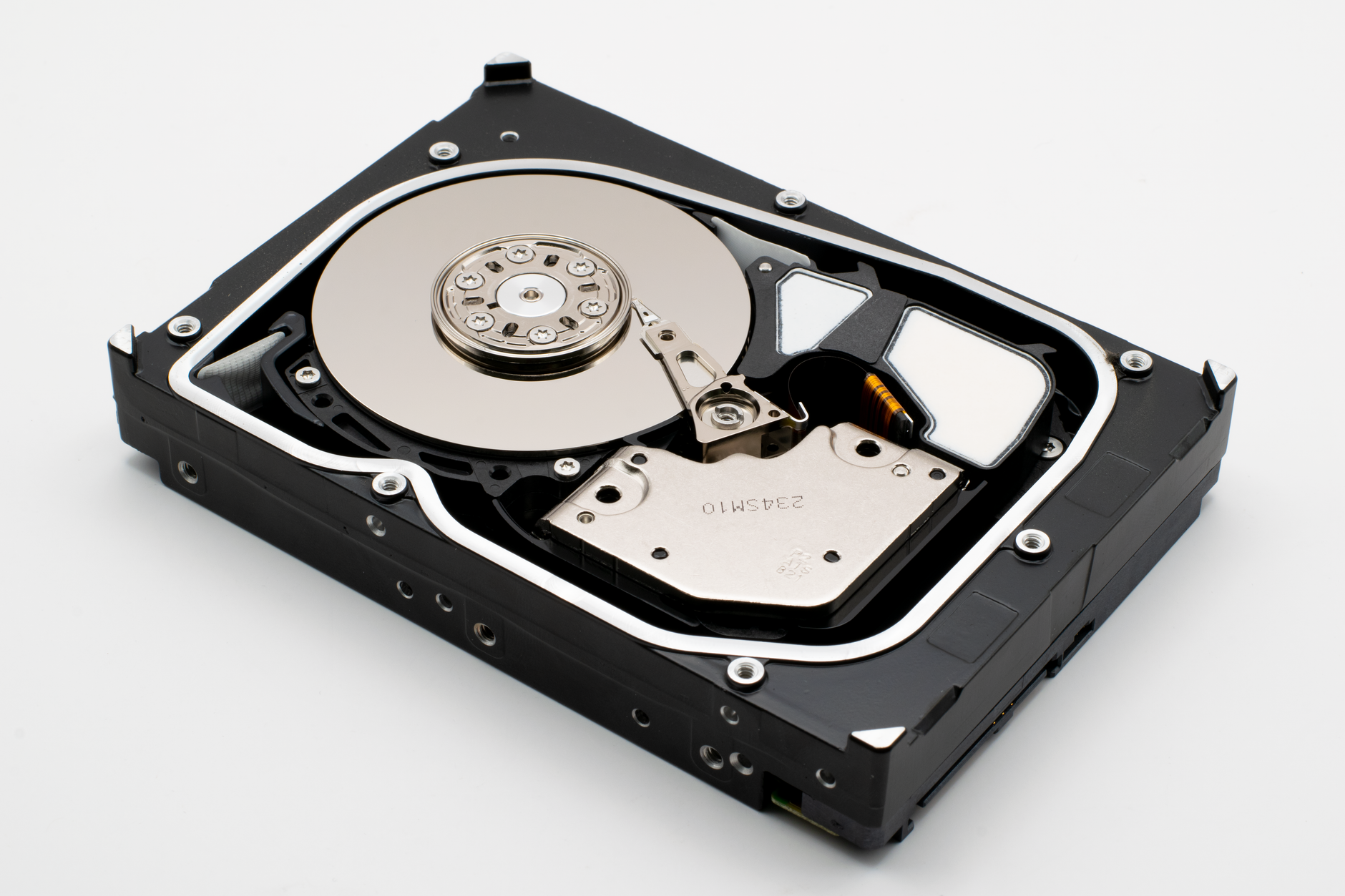
The Synology BeeStation ships with a fixed internal drive – available in 4TB and 8TB configurations – using a 3.5-inch HDD sealed inside a compact, puck-shaped enclosure. There is no drive bay to swap out and no option to expand storage through internal slots. What you buy is what you get. Western Digital My Cloud Home follows the same sealed philosophy, available in capacities ranging from 2TB up to 8TB, again with no user-replaceable drive.
Where the two diverge is in supplemental expansion. The BeeStation includes a USB 3.2 Gen 1 port that supports external drives, giving you a practical way to extend storage without buying a new unit. The My Cloud Home also includes a USB-A port for external expansion, so on that front they are roughly even. The BeeStation’s enclosure runs warmer under sustained load, which is worth watching if the device lives in a poorly ventilated space. WD has more history managing drive thermals in consumer NAS enclosures, and that experience shows in build consistency.
2. Setup and Out-of-the-Box Experience
Western Digital built the My Cloud Home for people who find the word “NAS” intimidating. Setup involves plugging in power, connecting an Ethernet cable, and downloading the My Cloud app. Within ten minutes, the device is accessible from a phone. There is almost no configuration required, and for basic photo and video backup from a smartphone, it genuinely works that fast.
Synology’s BeeStation is also designed for consumer ease rather than the brand’s more complex DS-series NAS products. The Bee app guides users through initialization and the experience is clean. That said, Synology’s ecosystem – even in this simplified form – surfaces more options and menus than WD’s intentionally stripped-back interface. For someone who wants to explore features like scheduled backup tasks, sync across multiple devices, or finer access control, that extra depth is an advantage. For someone who just wants photos to appear without thinking, it can feel like unnecessary noise.
3. Software Ecosystem and App Quality
This is where the gap between the two devices becomes significant. Synology has spent years building BeeStation on a version of its DSM (DiskStation Manager) operating system, tailored and simplified for this device under the name BeeStation OS. The result is a software platform that receives regular updates, supports multi-device sync, offers detailed activity logs, and integrates with Synology’s broader suite of tools if you already own other Synology hardware.
Western Digital’s My Cloud app is functional but has a troubled history. The original My Cloud platform went through a rough patch years ago with security vulnerabilities and inconsistent app updates, and while WD has improved things considerably, the software still feels like it exists to check a box rather than compete on merit. Remote access works, photo browsing works, sharing works. But the depth of control is shallow, and the mobile app has fewer power-user features than even Synology’s consumer-oriented BeeStation app. If software longevity and update reliability matter to you, Synology has the stronger track record by a meaningful margin.
4. Remote Access and Performance
Both devices use relay servers when direct peer-to-peer connection between your device and the NAS is not possible – which is the common scenario when accessing files over cellular or from outside your home network. Synology routes traffic through its QuickConnect infrastructure, while WD uses its own relay network. Neither requires port forwarding or router configuration, which keeps things simple.
In practical use, Synology’s remote access tends to be faster at initiating connections and streaming video files. The BeeStation app handles large file transfers over remote connections more gracefully, with better progress feedback and fewer dropped sessions during long uploads. WD’s remote performance is adequate for photo access but can stall noticeably when dealing with video files above 4GB. For anyone who stores raw video or large creative project files, that distinction matters on a weekly basis.
5. Privacy, Security, and Data Ownership
Personal cloud devices exist, in large part, because people want their data off someone else’s servers. Both Synology and WD keep your actual files on the physical drive in your home – neither stores your content on their own cloud infrastructure in the way Dropbox or Google Drive does. Remote access metadata passes through their relay servers, but the files themselves stay local.
Synology has a stronger security architecture around the BeeStation. It supports two-factor authentication out of the box, offers granular user account controls, and provides security advisories when the system firmware is out of date. WD improved security significantly after high-profile incidents with earlier My Cloud devices that exposed user data to unauthorized access. The company now patches actively, but the historical record is something buyers should weigh. For anyone storing sensitive business documents, medical records, or private family archives, Synology’s security posture is the more conservative – and more defensible – choice.
6. Price and Long-Term Value
At comparable capacities, the BeeStation and My Cloud Home are priced within a similar range, with WD typically coming in slightly lower at the entry level. A 4TB My Cloud Home often costs less than a 4TB BeeStation, which matters if budget is the primary concern. But the value calculation doesn’t stop at the purchase price.
Synology’s software support lifecycle is longer and more predictable. The company has a documented history of providing firmware updates for its NAS products for five or more years after release, and the BeeStation inherits that culture. WD’s update history for My Cloud devices has been patchier – some models received strong support, others were quietly deprioritized after a few years. If you plan to use this device for five or six years and want software that keeps pace with new operating systems and mobile platforms, paying a small premium for the BeeStation is the more rational long-term spend. The drive inside is only part of what you are buying.
7. Who Each Device Is Actually For
The Western Digital My Cloud Home is best suited to users who want a simple, affordable backup destination for smartphones and computers, don’t need sophisticated remote access, and are comfortable accepting a more limited feature ceiling. It works well in households where the primary use case is “I want my photos somewhere other than my phone.”
The Synology BeeStation is built for users who want actual control – people who will use remote access regularly, who might run multiple devices syncing to the same unit, or who want software that will still feel current in four years. It also makes sense for anyone already in the Synology ecosystem, since BeeStation content can be incorporated into broader Synology backup strategies involving other devices on the same network.
The Verdict: Synology BeeStation Wins on Depth, WD Wins on Simplicity
If forced to choose a single winner, the Synology BeeStation earns that position for most buyers. Its software ecosystem is more capable, its security architecture is more thoughtful, and its update history inspires more confidence over a multi-year ownership window. For users who want to actually use their personal cloud rather than just set it and forget it, BeeStation delivers more utility at every step.
Western Digital My Cloud Home still has a legitimate audience. If the goal is the cheapest possible route to automatic phone backup and nothing more, WD gets you there without complexity or extra cost. But the moment your needs grow – a second user account, remote video streaming, a more reliable app experience – the My Cloud Home starts to show its ceiling fast. The BeeStation doesn’t have that problem, and that extra headroom is what justifies its place as the default recommendation.
The one question worth sitting with: Synology has not confirmed long-term BeeStation-specific support roadmaps publicly, and the device is still relatively new. If the company eventually pushes BeeStation users toward a newer hardware generation before the current unit reaches five years, the value equation shifts. That risk exists with WD too – but it’s the one variable neither device has fully answered yet.