


Business professionals need ultrabooks that deliver power without compromising portability. The ThinkPad X1 Carbon and Dell XPS 13 Plus represent two distinct philosophies in premium laptop design – one prioritizing function, the other form. Both machines target the same executive audience but take dramatically different approaches to keyboard design, port selection, and user experience.
These flagship ultrabooks compete directly in the premium business segment, each offering compelling advantages depending on your workflow priorities. The choice between them often comes down to whether you value traditional usability or cutting-edge aesthetics.

1. Design and Build Quality: Traditional vs Revolutionary
The ThinkPad X1 Carbon maintains Lenovo’s signature black chassis with subtle carbon fiber weaving and the iconic red TrackPoint. This conservative design language has remained virtually unchanged for years, prioritizing durability over visual flair. The laptop feels reassuringly solid with minimal flex in the lid or deck, meeting military-grade durability standards.
Dell’s XPS 13 Plus takes the opposite approach with its radical redesign. The seamless glass palm rest eliminates the traditional touchpad boundary, while the capacitive function key row replaces physical F-keys. The machined aluminum construction feels premium, though some users report the glass surface can feel slippery during extended use. The aesthetic is undeniably striking but represents a significant departure from conventional laptop design.
Both machines achieve similar thickness and weight profiles, making them equally suitable for travel. However, the ThinkPad’s matte finish resists fingerprints better than the XPS 13 Plus’s glossy surfaces, which require frequent cleaning in professional settings.
2. Keyboard and Input Experience: Comfort vs Innovation
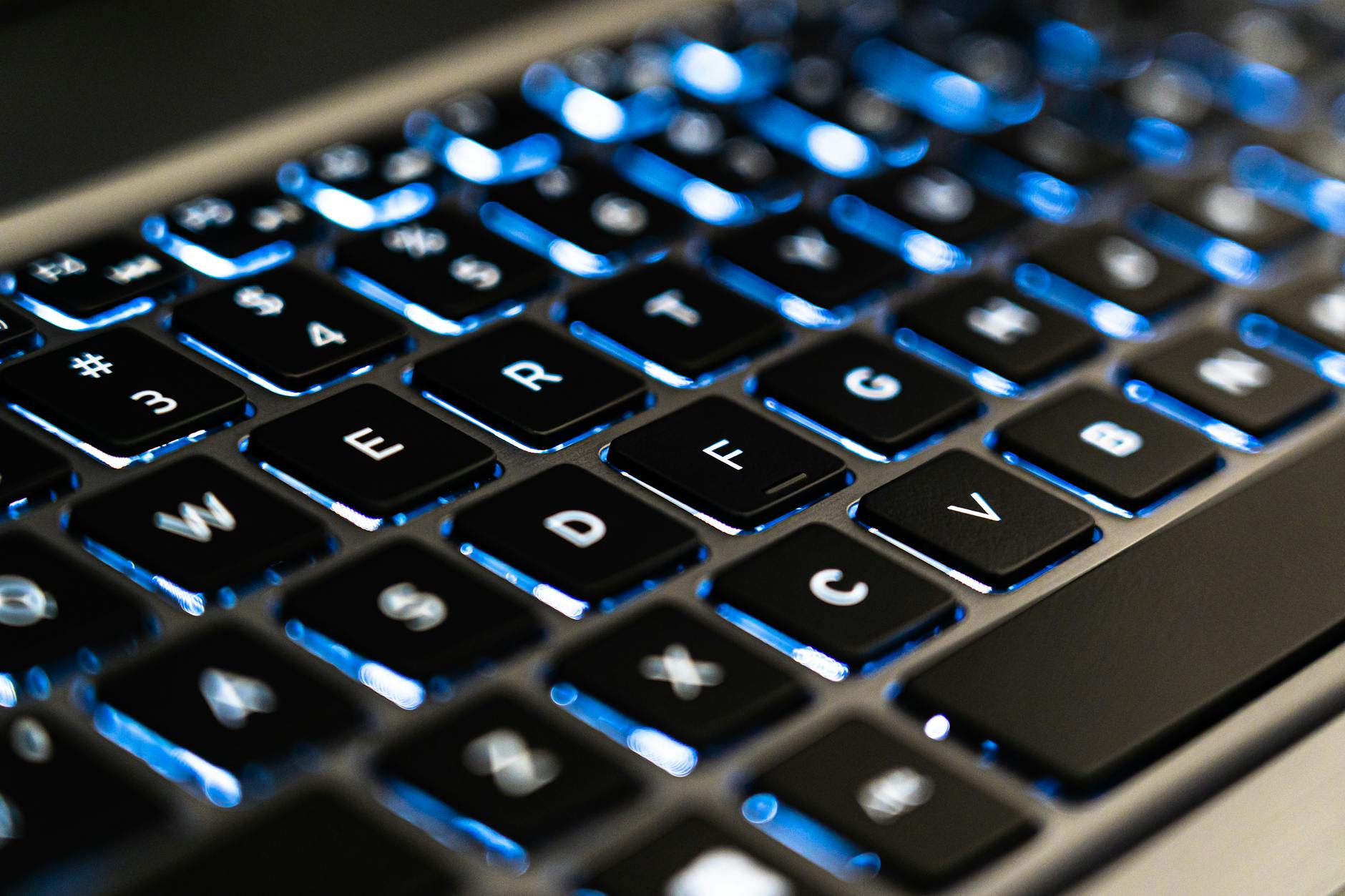
The ThinkPad X1 Carbon delivers what many consider the gold standard for laptop keyboards. The keys offer excellent travel and tactile feedback, with consistent spacing that enables fast, accurate typing even during long documents. The inclusion of the TrackPoint provides cursor control without lifting hands from the home row, appealing to power users who prioritize efficiency.
Dell’s capacitive touch function row on the XPS 13 Plus proves polarizing among business users. While it enables dynamic key labeling and saves space, the lack of tactile feedback makes blind operation difficult. The main keyboard itself types well, though some users prefer the slightly deeper key travel on the ThinkPad. The invisible touchpad, while technologically impressive, can be harder to locate by feel alone.
For users who spend hours daily typing emails, reports, and presentations, the ThinkPad’s traditional approach typically proves more comfortable and productive. The XPS 13 Plus appeals more to users who prioritize the aesthetic and don’t mind adapting their input habits.
3. Display Quality and Options: Professional Standards
Both laptops offer multiple display configurations to suit different professional needs. The ThinkPad X1 Carbon provides options ranging from Full HD to 4K OLED, with the higher-end panels delivering excellent color accuracy suitable for creative work. The matte finish options help reduce glare in office environments, while touch capability adds versatility for presentations.
The XPS 13 Plus typically ships with sharper displays out of the box, including 3.5K OLED options that deliver stunning visual quality. Colors appear vibrant and blacks truly deep, making it attractive for professionals who work with visual content. However, the glossy finish can be problematic in brightly lit conference rooms or outdoor settings.
Both machines deliver sufficient brightness for most business environments, though the ThinkPad’s anti-glare coating provides better visibility under fluorescent office lighting. For professionals working with color-sensitive materials, either machine can be configured with displays that meet professional color standards, similar to the precision found in high-end monitors for video editing.
4. Performance and Productivity: Power Under Pressure
Current generations of both laptops utilize similar Intel processors, delivering comparable performance for typical business workloads. Both handle video conferencing, document editing, spreadsheet analysis, and light creative work without difficulty. The real differences emerge in sustained performance and thermal management.
The ThinkPad X1 Carbon generally maintains more consistent performance under prolonged loads, thanks to more conservative thermal tuning. The fan noise remains relatively subdued during normal business tasks, making it suitable for quiet office environments and client meetings.
The XPS 13 Plus can achieve slightly higher peak performance in short bursts but may throttle more aggressively to manage heat in its thinner chassis. The fan can become more audible under stress, though it runs quietly during light tasks. Both machines include sufficient RAM and storage options for professional workflows, with similar upgrade limitations due to soldered components.
5. Connectivity and Port Selection: Practicality vs Minimalism
Port availability represents one of the most significant practical differences between these machines. The ThinkPad X1 Carbon includes a more comprehensive selection with USB-A ports alongside USB-C, accommodating legacy business equipment without adapters. The inclusion of an HDMI port simplifies presentations in conference rooms that haven’t upgraded to USB-C connectivity.
Dell’s XPS 13 Plus embraces extreme minimalism with only USB-C ports, requiring dongles or adapters for most existing business peripherals. While this creates a cleaner aesthetic and potentially better port reliability, it adds complexity for users who regularly connect to projectors, external drives, or older accessories common in corporate environments.
Both laptops support Thunderbolt for high-speed external storage and dock connectivity, though the ThinkPad’s additional ports reduce dependence on expensive docking solutions for basic connectivity needs.

6. Battery Life and Mobility: All-Day Performance
Battery endurance proves crucial for mobile professionals, and both laptops deliver solid all-day capability under typical business workloads. The ThinkPad X1 Carbon typically edges ahead in battery life, particularly with the Full HD display option, easily lasting through long flights or full conference days.
The XPS 13 Plus’s higher-resolution display and more aggressive performance tuning can impact battery life, though it still provides sufficient power for most business travel scenarios. Both machines support fast charging, though the ThinkPad’s more conservative power management often translates to better real-world endurance.
Rapid charging capabilities on both laptops minimize downtime during brief breaks, with both achieving significant charge levels in 30-60 minutes of charging.
Which Ultrabook Wins for Business?
The ThinkPad X1 Carbon suits professionals who prioritize proven functionality, typing comfort, and compatibility with existing business infrastructure. Its traditional design philosophy emphasizes reliability and productivity over aesthetic innovation, making it ideal for users who spend significant time writing, analyzing data, or managing complex workflows.
The Dell XPS 13 Plus appeals to professionals who value cutting-edge design and don’t mind adapting to new input methods. Its striking appearance and innovative features make it suitable for client-facing roles where aesthetics matter, though the learning curve for the touch function keys may impact initial productivity.
For most business environments, the ThinkPad X1 Carbon’s practical approach to connectivity, input methods, and user experience provides better day-to-day usability. However, the XPS 13 Plus offers a glimpse into the future of laptop design for users willing to embrace change.
Frequently Asked Questions
Which laptop has better battery life for business travel?
The ThinkPad X1 Carbon typically provides longer battery life, especially with Full HD displays, making it better for all-day business use.
Does the Dell XPS 13 Plus work well with office equipment?
The XPS 13 Plus requires adapters for most legacy office equipment due to its USB-C only ports, unlike the ThinkPad’s more versatile connectivity.