

Overview
Color e-ink has been “almost ready” for years, and the pitch has barely changed: keep the paper-like comfort of a Kindle, add color, and lose none of the battery life. The Kindle Colorsoft Signature Edition is Amazon’s first serious attempt at delivering that, and it arrives as a premium device with a premium price.
The hardware follows the Paperwhite Signature playbook. It has a 7-inch glare-free screen, a waterproof body, USB-C, 32GB of storage, wireless charging, and a front light that adjusts automatically to the room. Black text is rendered at 300 ppi, while the color layer sits at a lower resolution of 150 ppi. That split explains most of what you will like and dislike about this device.
The key question is not whether the Colorsoft is a good Kindle. It is. The question is whether color adds enough to justify the extra cost over a standard Paperwhite, and for whom.
How the Display Actually Behaves
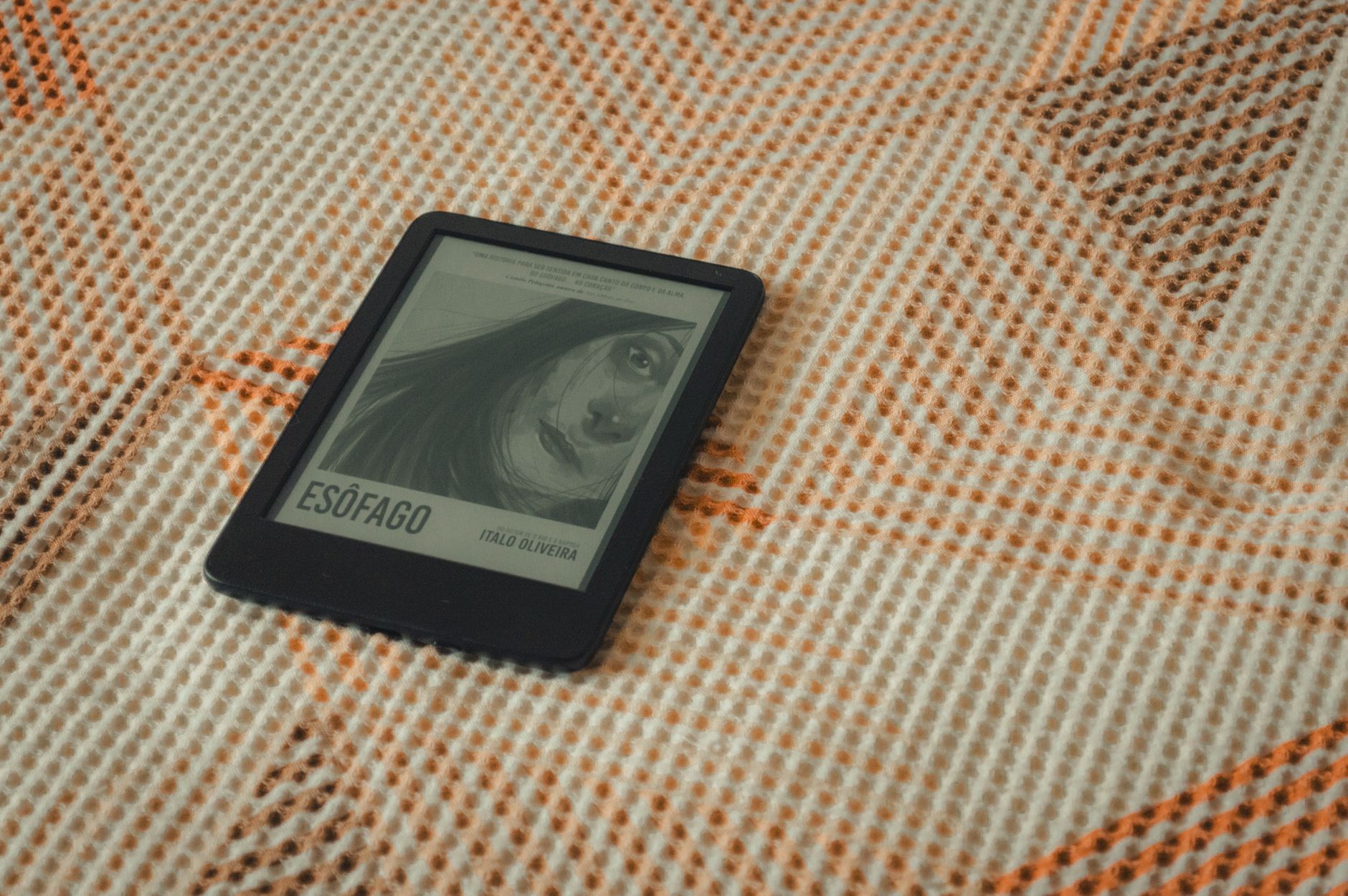
Color e-ink works differently from an LCD or OLED panel. Instead of lighting each pixel, it layers a color filter over a reflective black-and-white display, so colors are made by reflecting ambient light through that filter. The result is softer and less saturated than a phone or tablet, closer to a printed magazine page than a screen.
Set expectations accordingly. Book covers look rich enough to enjoy in the library view, but they are not vivid. Reds and blues hold up better than subtle gradients, and skin tones in illustrations can look slightly flat.
Text is where the Colorsoft has to prove itself, since most people buy a Kindle to read words. Black type is sharp and comfortable, and in normal reading the color layer stays out of the way. The tradeoff is that the screen has a slightly different character from a Paperwhite’s: a touch less bright white and a little less contrast, which some readers will notice and others never will.
Pros
Color that serves reading rather than decoration
The best use of color here is functional. Highlights can be sorted into different colors, which turns annotation into a system. You might use yellow for key arguments, blue for references, and pink for passages to revisit. For students, researchers, and anyone who marks up nonfiction, that is more useful than it sounds.
Covers in color also make a library of hundreds of titles easier to scan. It is a small change, but it makes the home screen feel less like a spreadsheet.
Charts, diagrams, and graphic content
Technical books, textbooks, and magazines with charts have always been awkward on grayscale e-ink, where categories in a bar graph blur into similar shades of gray. Color separates them again. Comics and manga benefit too, although with caveats covered below.
Excellent core Kindle experience
Everything that makes a premium Kindle worth owning is intact. The device is waterproof, light enough for one-handed reading in bed, and long on battery. Amazon quotes up to eight weeks of battery life, and while color use and a bright front light will pull that down, e-ink still goes weeks between charges where tablets go hours.
The adaptive front light and warm-light controls are also well tuned. Reading at night on this device is easier on the eyes than on any phone.
Ecosystem polish
Kindle’s store, library lending integration, Send to Kindle, and Goodreads features all work as expected. For anyone already invested in Amazon’s ebook library, nothing needs to be rebuilt.

Cons
The price is hard to justify for pure reading
The Signature Edition launched at $279.99, well above the Paperwhite lineup. Amazon later added a cheaper Colorsoft configuration with less storage and fewer extras, which softens the entry price but not the core question. If most of what you read is novels, you are paying a substantial premium for a feature that will rarely appear on the page.
Muted color and a lower color resolution
The 150 ppi color layer means colored elements are visibly softer than black text. Fine colored lines, small colored fonts, and detailed illustrations can look grainy or slightly dithered up close. Comics suffer most. Flat, bold artwork looks acceptable, but heavily shaded or painterly pages lose their punch.
If you hope the Colorsoft will replace a tablet for comics, you will probably be disappointed. It is a better comic reader than a grayscale Kindle, but not a better one than an iPad.
Front light dependence
Because color comes from a filter layer, it relies on the front light and room lighting to look its best. In dim rooms with the light turned low, colors fade noticeably. In bright daylight, they look better, but only up to a point.
Early quality concerns
Soon after launch, some buyers reported a yellowish tint along the bottom of the screen, and Amazon acknowledged the issue and offered replacements. Later production should be better, but it is a reminder that this is a first-generation display on a first-generation product. If you buy one, keep the return window in mind and inspect the screen on a white page right away.
Slightly slower feel
Color e-ink typically refreshes more slowly than monochrome, and page turns and menu animations can feel a touch less snappy than on a Paperwhite. It is not a dealbreaker for reading, but it is noticeable when you jump through menus or zoom in on graphics.
Who Should Buy It
The Colorsoft makes the most sense for readers whose material benefits from color: students, professionals who annotate heavily, people who read graphic-heavy nonfiction, and comic readers who want a lighter alternative to a tablet. It also suits anyone who wants the best Kindle hardware and does not mind paying for the novelty of color.
It makes less sense for novel readers. A standard Paperwhite offers sharper-feeling text, a faster interface, and a much lower price.
Verdict
Is color e-ink ready for daily reading? Yes, with a footnote. The Colorsoft reads text as well as you would want, and the color extras are genuinely useful in specific cases. But the color itself is still a supporting feature, not a headline one.
Recommendation: buy the Colorsoft if you annotate, study, or read visual material often, and if the price does not sting. Choose the Paperwhite if you mostly read prose, because you give up almost nothing that matters and save a meaningful amount of money.

The harder question is what happens when the color layer improves. At 150 ppi, the Colorsoft is a promising preview, and anyone buying today is partly paying to be early.