


What You Need to Know
Building a custom water-cooled PC for 4K gaming requires precision, patience, and the right components. Water cooling delivers superior thermal performance compared to air cooling, allowing high-end CPUs and GPUs to maintain peak performance during intensive 4K gaming sessions. This comprehensive guide walks you through selecting components, planning your loop, and assembling a system capable of handling demanding titles at maximum resolution.
Water cooling systems consist of several key components: water blocks for your CPU and GPU, radiators to dissipate heat, pumps to circulate coolant, reservoirs to hold extra fluid, and tubing to connect everything. Unlike all-in-one coolers, custom loops offer complete control over cooling performance and aesthetics.
1. Choose Your Core Components
Start with your CPU and GPU selection, as these determine your cooling requirements. For 4K gaming, consider current-generation processors like AMD Ryzen 7000 series or Intel’s latest offerings paired with high-end graphics cards. The RTX 4080 and RTX 4090 are popular choices for 4K performance, though they generate significant heat under load.
Your motherboard should support your chosen CPU socket and offer multiple PCIe slots for expansion cards. Look for models with robust VRM cooling and multiple fan headers for pump and radiator control. RAM requirements for 4K gaming typically start at 32GB of DDR5 for optimal performance.
Power supply sizing is crucial – calculate your system’s total wattage and add 20% headroom. High-end 4K gaming systems often require 1000W or higher PSUs, especially with powerful GPUs and multiple radiators requiring additional fans.
2. Plan Your Water Cooling Loop
Design your cooling loop before purchasing components. Decide whether you want separate loops for CPU and GPU or a single loop cooling both components. Single loops are more cost-effective and easier to maintain, while separate loops allow independent temperature control.
Map out component placement in your case. Radiators typically mount in the front, top, or rear positions. Larger radiators provide better cooling but require adequate case clearance. Calculate tubing runs to determine the required lengths and number of fittings.
Choose between hard tubing for aesthetics or soft tubing for easier installation. Hard tubing requires precise measurements and tube bending tools, while soft tubing offers more flexibility but may not achieve the same visual impact.
3. Select Water Cooling Components
CPU water blocks attach directly to your processor’s heat spreader. Choose blocks compatible with your specific CPU socket. Popular manufacturers include EK Water Blocks, Corsair, and Thermaltake. Look for blocks with good mounting pressure and efficient heat transfer design.
GPU water blocks require exact compatibility with your graphics card model. These blocks replace the stock cooler entirely, so verify warranty implications before installation. GPU blocks typically offer the most significant temperature improvements in custom loops.
Radiator selection depends on available space and cooling requirements. Thicker radiators generally perform better but need adequate clearance for fans. Consider radiator material – aluminum is lighter and cheaper, while copper offers superior heat dissipation.
4. Choose Pumps and Reservoirs
Pump selection affects flow rate and system reliability. D5 and DDC pumps are industry standards, with D5 pumps offering higher flow rates and DDC pumps providing more pressure. Calculate your system’s flow resistance to choose appropriate pump strength.
Reservoirs serve multiple functions: they hold extra coolant, make filling easier, and help eliminate air bubbles. Tube reservoirs save space, while cylindrical reservoirs offer larger capacity and better air separation. Some units combine pumps and reservoirs for space efficiency.
5. Select Fittings and Tubing
Fitting quality directly impacts leak prevention. Choose reputable brands and ensure all fittings match your chosen tubing size. Common sizes include 10/16mm and 12/16mm for soft tubing, or 12mm and 16mm outer diameter for hard tubing.
For soft tubing, select materials rated for continuous high-temperature operation. EPDM and silicone tubing resist degradation over time. Hard tubing options include PETG for easier bending and acrylic for clarity, though acrylic requires more careful handling.
Calculate fitting requirements carefully – you’ll need fittings for every connection point, plus extras for maintenance. Angled fittings help navigate tight spaces, while straight fittings provide cleaner aesthetics in suitable locations.
6. Install CPU and GPU Water Blocks
Begin with CPU block installation. Remove the existing cooler completely, including any mounting hardware. Clean the CPU surface with isopropyl alcohol and apply new thermal paste if required by your water block design. Mount the block according to manufacturer specifications, ensuring even pressure distribution.
GPU block installation requires complete disassembly of your graphics card. Document screw locations and cable connections with photos before removal. Clean the GPU die thoroughly and apply appropriate thermal pads or paste as specified in the block instructions. Take care with fragile components during reassembly.
7. Mount Radiators and Fans
Install radiators in your planned locations, considering airflow direction for optimal cooling. Intake configurations bring cool air through radiators but warm case interiors, while exhaust configurations expel heat efficiently but use warmer case air for cooling.
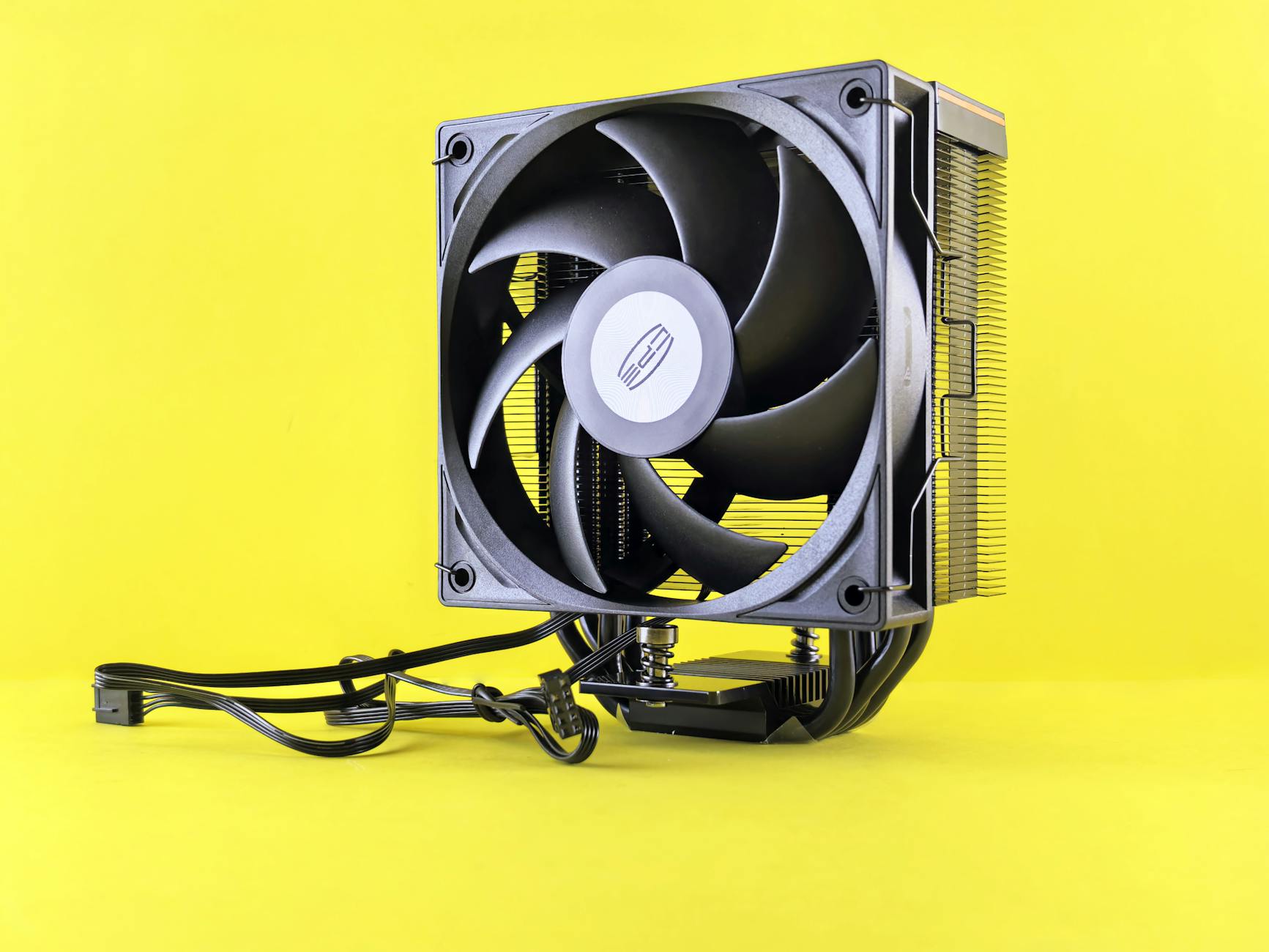
Fan selection affects noise levels and performance. Static pressure fans work better on radiators than high-airflow fans. Consider PWM fans for automatic speed control based on temperature. If you’re planning to also set up a multi-monitor gaming setup, ensure adequate cooling for extended gaming sessions.
8. Install Pump and Reservoir
Mount your pump and reservoir in accessible locations for maintenance. Pumps should be positioned to avoid air pockets, typically below the reservoir level when possible. Secure all components firmly to prevent vibration noise during operation.
Connect power cables to appropriate motherboard headers or directly to the PSU depending on your pump requirements. Some pumps require constant 12V power, while others support PWM speed control for quieter operation.
9. Run Tubing and Make Connections
Plan tubing runs carefully to minimize restrictions and maintain clean aesthetics. For hard tubing, measure twice and cut once – mistakes are costly. Use proper tube cutting tools to ensure clean, square cuts that seal properly in fittings.
Make all connections hand-tight plus a quarter turn with appropriate tools. Over-tightening can damage threads or crack components. Test-fit all connections before final assembly to ensure proper alignment and clearance.
10. Fill and Test Your System
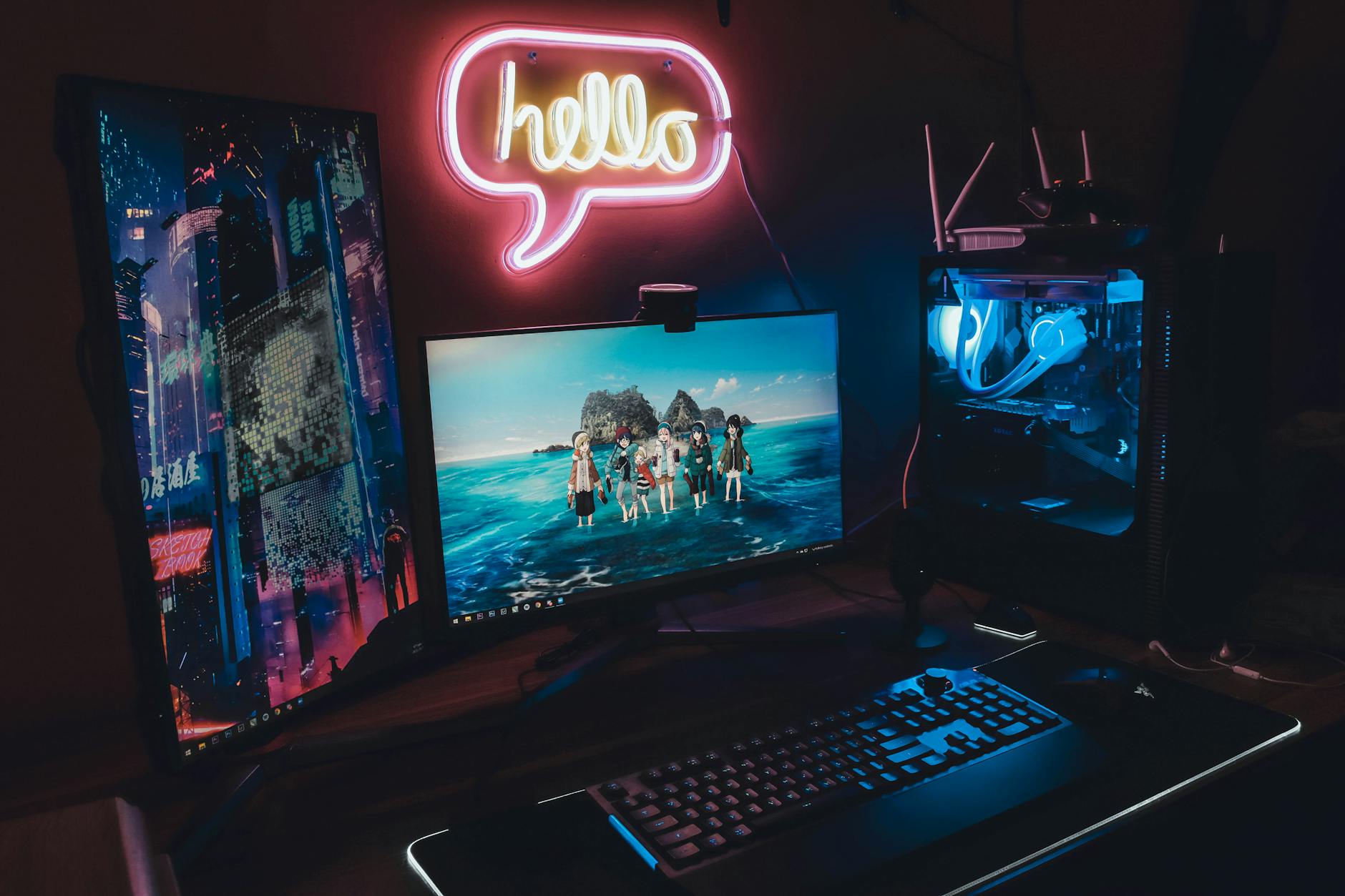
Fill your loop slowly through the reservoir, cycling the pump briefly to move coolant through the system. Watch for air bubbles and low fluid levels. This process takes patience – rushing leads to air pockets that reduce cooling efficiency.
Perform extensive leak testing before installing sensitive components. Run the system for 24-48 hours with paper towels around all connections to catch any slow leaks. Monitor temperatures and flow rates to verify proper operation.
Key Takeaways
Building a custom water-cooled PC for 4K gaming demands careful planning and quality components. The investment in time and money pays dividends in superior cooling performance, allowing your high-end hardware to maintain peak performance during demanding gaming sessions. Regular maintenance every 6-12 months keeps your system running optimally.
Remember that custom water cooling requires ongoing attention unlike air cooling solutions. Monitor coolant levels, watch for leaks, and plan for periodic component replacement. However, the combination of exceptional thermal performance, reduced noise levels, and stunning aesthetics makes custom loops worthwhile for enthusiast 4K gaming builds.
With proper installation and maintenance, your water-cooled system will deliver years of exceptional 4K gaming performance while running cooler and quieter than traditional air-cooled alternatives.
Frequently Asked Questions
How much does a custom water cooling loop cost?
Custom loops typically cost $500-$1500 depending on components and complexity, significantly more than air cooling but with superior performance.
Is custom water cooling worth it for gaming?
For high-end 4K gaming systems, custom water cooling provides better temperatures, lower noise, and allows sustained peak performance during demanding sessions.