
Two Compact Printers, Two Very Different Philosophies
Compact 3D printers used to mean compromised 3D printers. Limited build volumes, fussy calibration, and print quality that never quite matched the larger machines sitting next to them on a shelf. That has changed. The Bambu Lab A1 Mini and the Prusa MINI+ represent two genuinely capable machines built for people who want serious output without dedicating a workbench to it. They are both excellent. They are also aimed at almost completely different users, which makes choosing between them less obvious than a spec sheet comparison would suggest.
The A1 Mini arrived with Bambu Lab’s now-familiar pitch: automation first, speed second, polish third. The Prusa MINI+ came from a company that has spent years building a reputation for open-source reliability and community trust. One printer wants to do the thinking for you. The other wants you to understand what it is doing. Both approaches have real merit, and both have real tradeoffs.
1. Build Volume and Physical Footprint
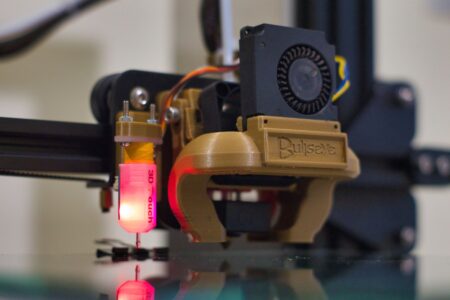
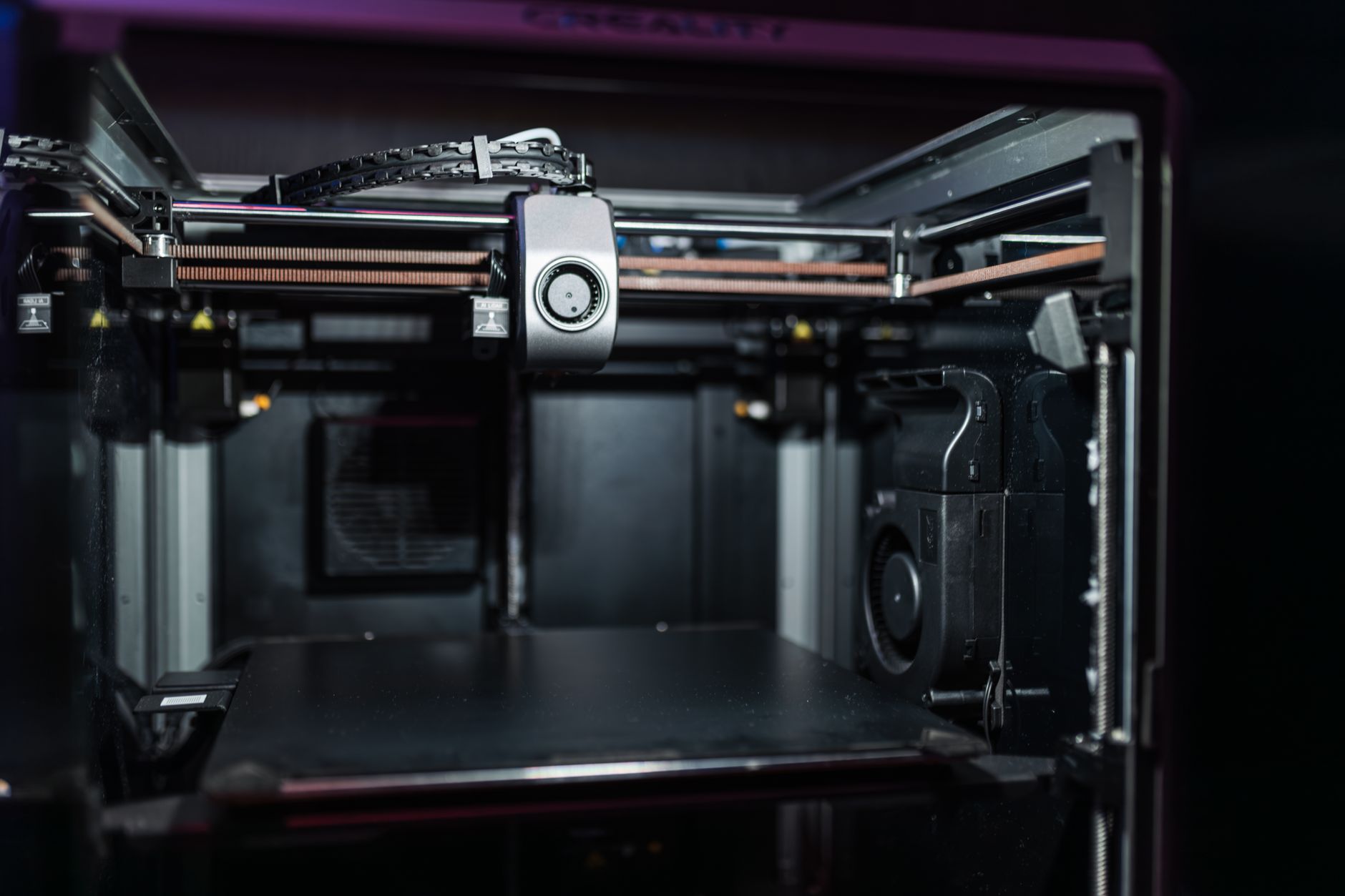
The A1 Mini offers a build volume of 180 x 180 x 180mm, while the Prusa MINI+ gives you 180 x 180 x 186mm. The difference is negligible for almost any practical project. What is not negligible is the physical footprint of each machine. The A1 Mini is a compact enclosed-style design, while the Prusa MINI+ uses a more open cantilever arm setup that takes up less desk space in one direction but requires more clearance in another.
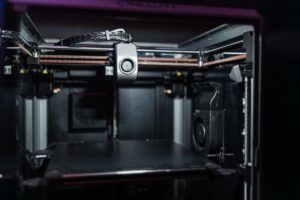
If your workspace is a corner of a desk in a small apartment, the Prusa MINI+’s narrow base can be an advantage. If you want the printer to sit inside a cabinet or enclosure you have built yourself, the A1 Mini’s more self-contained shape is easier to work with. Neither machine is particularly loud compared to older FDM printers, but the A1 Mini benefits from a more enclosed design that slightly reduces ambient noise and contains minor fumes better during standard PLA prints.
2. Print Speed
This category is not even close. The Bambu Lab A1 Mini prints at speeds that make the Prusa MINI+ look like it is operating in a different era. Bambu rates the A1 Mini at up to 500mm/s, though real-world speeds on quality prints land significantly lower. Still, even at conservative settings, the A1 Mini routinely finishes prints in roughly half the time the Prusa MINI+ takes on comparable jobs.
The Prusa MINI+ tops out at around 200mm/s under ideal conditions, and pushing it toward that ceiling introduces quality compromises that most users will not want to accept. For functional prints, cosplay parts, or prototypes where time matters, the A1 Mini’s speed advantage is meaningful. For one-off decorative prints or overnight jobs where speed is irrelevant, the difference simply does not matter. The question is how much of your printing falls into each category.
Speed also comes with a maintenance cost. Bambu’s faster motion system puts more stress on components over time, and some long-term users report that wear on belts and the nozzle assembly becomes noticeable faster than on Prusa machines, which have a long track record of holding up for years with minimal intervention.
3. Print Quality and Reliability
Both machines produce genuinely good prints. At standard quality settings, side-by-side output from the A1 Mini and the Prusa MINI+ is difficult to distinguish for most users. Where they diverge is in consistency across a long print queue. The Prusa MINI+ has an established record of printing the same file the same way across dozens or hundreds of runs. That reliability is partly why it remains a go-to for small-batch production among hobbyist creators selling on platforms like Etsy.
The A1 Mini introduces more variables because of its AMS Lite multi-material system and its automated calibration routines. On most days, that automation works well. On occasional days, a sensor miscalibration or a purge tower error will interrupt a job in ways that frustrate experienced users who know exactly what went wrong but cannot override the machine’s decisions quickly. Bambu’s software ecosystem is powerful but opinionated, and it does not always surface the right diagnostic information in the moment.
4. Multi-Material Printing
The A1 Mini’s biggest differentiator is the AMS Lite system, which enables multi-color and multi-material printing with up to four filament spools. For a compact machine at this price point, that capability is genuinely rare. Printing a model with four distinct colors or combining a rigid body with flexible supports is possible without upgrading to a larger or more expensive machine.
The Prusa MINI+ does not offer native multi-material support. Prusa’s Multi Material Upgrade system exists, but it is designed for full-size Prusa MK4 machines and does not translate to the MINI+. If multi-color printing is a priority – and for anyone printing miniatures, display models, or branded prototypes, it often is – the A1 Mini wins this comparison outright.
That said, multi-material printing always adds complexity. Color purging wastes filament, print times extend considerably, and first-time users often underestimate how much calibration and experimentation the AMS Lite requires before producing clean results. The feature is real and functional, but it is not plug-and-play on the first attempt.
5. Software and Ecosystem
Bambu Lab’s Bambu Studio slicer is polished, fast to learn, and handles most common scenarios with minimal configuration. The Bambu app offers remote monitoring and print management, including a camera feed built into the machine. For users who want a single software environment that handles everything, Bambu’s ecosystem delivers that with few friction points.
Prusa Slicer is the industry baseline. It has been refined over years, supports a wider range of filament profiles, and is deeply integrated with the broader open-source 3D printing community. Users who work across multiple machines, experiment with unconventional materials, or want granular control over every print parameter will find Prusa Slicer more accommodating. It also receives updates driven by community feedback, which means unusual use cases and niche filament types tend to get addressed more quickly than in Bambu’s more controlled software environment.
Bambu’s ecosystem is also more closed. The printer connects to Bambu’s cloud servers, and offline printing, while technically possible, is less smooth than on the Prusa MINI+, which operates entirely locally. For users in environments with network restrictions, or those with philosophical objections to cloud-dependent hardware, that is a real consideration.
6. Setup Experience and Learning Curve
The A1 Mini is close to a true out-of-the-box experience. It arrives mostly assembled, performs automatic bed leveling and vibration compensation on first run, and can produce its first successful print within 30 minutes of unboxing. For someone new to 3D printing, that matters enormously. The biggest barrier to entry in this hobby has always been getting the first print to work, and Bambu removes most of that barrier.
The Prusa MINI+ ships as a kit. Assembly takes two to four hours depending on your comfort with mechanical assembly and how carefully you follow the instructions. Prusa’s build documentation is well-regarded, and the assembly process genuinely teaches you how the machine works, which pays off when something eventually needs adjustment or repair. But it is a real time commitment that the A1 Mini does not require.
7. Price, Value, and Long-Term Cost
The Prusa MINI+ starts at around $400 for the kit version and approximately $460 assembled. The Bambu Lab A1 Mini with AMS Lite runs around $380-$400, making it competitively priced while including the multi-material hardware. On raw specs per dollar, Bambu’s offer is hard to argue with.
Where Prusa often wins on long-term cost is parts availability and repairability. Prusa sells every individual component for the MINI+ directly through their website, and community-sourced replacements are widely available. Bambu’s parts ecosystem is growing but not yet at the same level, and some proprietary components can be harder to source quickly when something breaks. A printer that sits idle for two weeks waiting on a part has a real cost that does not show up in the purchase price.
8. The Verdict: Which Printer Is Right for You
The Bambu Lab A1 Mini is the better printer for most new users and for anyone who prioritizes speed, multi-color capability, and minimal setup friction. If you want to start printing high-quality objects quickly and are not interested in tinkering with the machine itself, the A1 Mini is the clear choice in this matchup.
The Prusa MINI+ is the better printer for users who want deep control, proven long-term reliability, and a machine they can repair, modify, and run entirely offline. It is also the stronger option for educators, makers who need consistent output across months of use, and anyone already embedded in the Prusa or open-source ecosystem. The kit assembly is not a bug – for the right user, it is a feature.
The sharper question is whether Bambu’s cloud dependency matters to you. As more smart devices route core functions through manufacturer servers, the ability to run a piece of hardware without an internet connection becomes a genuine differentiator. The Prusa MINI+ will still work if Prusa’s servers go offline tomorrow. The A1 Mini experience is more complicated in that scenario, and that is a design choice worth factoring in before you buy.
Frequently Asked Questions
Is the Bambu Lab A1 Mini better than the Prusa MINI+?
For most beginners and users who want speed and multi-color printing, yes. For those who want repairability, open-source control, and offline operation, the Prusa MINI+ holds an edge.
Does the Prusa MINI+ support multi-material printing?
No. The Prusa MINI+ does not support Prusa’s Multi Material Upgrade system, which is limited to full-size MK4 machines. The A1 Mini includes AMS Lite for up to four filaments.