



Professional video editors know their monitor makes or breaks their workflow. ASUS ProArt Display and LG UltraFine monitors dominate creative workstations, but choosing between them requires understanding how each handles color accuracy, connectivity, and real-world performance.
Both monitor lines target professionals who demand precise color reproduction for client work. The decision comes down to specific features that matter most for your editing setup – from panel technology to calibration capabilities.

1. Color Accuracy and Panel Technology
ASUS ProArt displays typically feature IPS or OLED panels with factory calibration targeting Delta E values under 2. Most ProArt models cover 100% sRGB and 95% or higher DCI-P3 color gamuts, meeting broadcast standards for professional video work. The latest ProArt OLED models deliver true blacks and infinite contrast ratios that reveal shadow detail invisible on traditional LCD panels.
LG UltraFine monitors focus on consistency across their lineup, with IPS panels covering 95-99% DCI-P3 depending on the model. LG’s strength lies in uniformity – minimal color shift across the screen surface and consistent brightness levels. Their Nano IPS technology enhances color volume, though it cannot match OLED’s contrast performance.
For HDR video editing, ASUS ProArt OLED displays handle peak brightness and color volume more naturally than LG’s LCD-based solutions. However, LG UltraFine monitors avoid potential OLED burn-in concerns during long editing sessions with static interface elements.
2. Size Options and Resolution
ASUS ProArt displays range from 24-inch 4K models up to 32-inch options, with some ultrawide variants reaching 34 inches. The 27-inch and 32-inch 4K models hit the sweet spot for most editing workflows, providing enough screen real estate without requiring excessive desk space. Pixel density remains sharp enough for detailed timeline work and color grading.
LG UltraFine traditionally focuses on specific sizes that align with professional needs. The 27-inch 4K model became popular among content creators, while larger 32-inch variants serve editors who need maximum timeline visibility. LG also offers 5K resolution options that provide extra pixels for interface elements while maintaining 4K preview windows.
Resolution consistency matters for multi-monitor setups. ASUS offers more variety in panel sizes, making it easier to match secondary displays. LG’s more focused lineup ensures consistent color and brightness when using multiple UltraFine monitors side by side.
3. Connectivity and Workflow Integration
Modern video editing demands flexible connectivity for cameras, capture devices, and multiple computers. ASUS ProArt displays typically include USB-C with power delivery, DisplayPort, and HDMI inputs. Higher-end models add Thunderbolt connectivity for single-cable solutions that charge laptops while delivering video and data.
LG UltraFine monitors excel at Mac integration, with many models designed specifically for MacBook Pro workflows. USB-C connectivity provides up to 96W power delivery, enough for most laptops. The seamless macOS integration includes brightness and volume control through system preferences rather than monitor buttons.

For Windows users, both brands support proper color profile loading and display scaling. ASUS provides more extensive on-screen display menus for manual adjustments, while LG focuses on automatic optimization. Consider your primary editing platform when weighing these connectivity differences.
4. Calibration and Color Management
Professional video editing requires accurate color representation from capture to final delivery. ASUS ProArt displays include hardware calibration support with compatible colorimeters, allowing precise adjustments without affecting system-level color profiles. This maintains accuracy across different applications and ensures consistent results when sharing projects with other editors.
LG UltraFine monitors support software calibration through third-party tools and LG’s own calibration software. While effective, software calibration adjusts the graphics card output rather than the display hardware itself. This approach works well for single-application workflows but may introduce complications when switching between color-managed and non-managed applications.
Both monitor lines support industry-standard color spaces like Rec.709 for broadcast video and DCI-P3 for digital cinema. ASUS typically provides more preset modes for different video standards, while LG focuses on accuracy within fewer, well-tuned presets.
5. Price and Value Proposition
ASUS ProArt pricing varies significantly based on panel technology and features. Entry-level IPS models compete directly with LG UltraFine pricing, while OLED variants command premium prices justified by superior contrast performance. The range allows editors to choose based on budget and specific needs rather than settling for one-size-fits-all solutions.
LG UltraFine monitors maintain consistent pricing within each size category, making budgeting predictable. The focus on fewer models with proven feature sets reduces confusion but limits options for editors with specific requirements. LG’s reputation for reliability and consistent quality justifies their pricing structure.
Consider total cost including potential calibration hardware, mounting solutions, and cable requirements. ASUS ProArt displays often include more accessories in the box, while LG UltraFine monitors may require separate purchases for optimal setup. Just as choosing the right graphics card affects your editing performance, monitor selection impacts your daily workflow efficiency.
6. Build Quality and Warranty Support
Professional monitors endure daily use in demanding environments, making build quality crucial for long-term reliability. ASUS ProArt displays feature robust stands with extensive adjustment ranges, including height, tilt, swivel, and pivot functions. The build quality matches the premium pricing, with solid construction that maintains stability during adjustments.
LG UltraFine monitors emphasize clean, minimalist designs that complement modern workspaces. The stands provide essential adjustments without unnecessary complexity. LG’s manufacturing experience shows in consistent panel quality and reliable operation over extended periods.
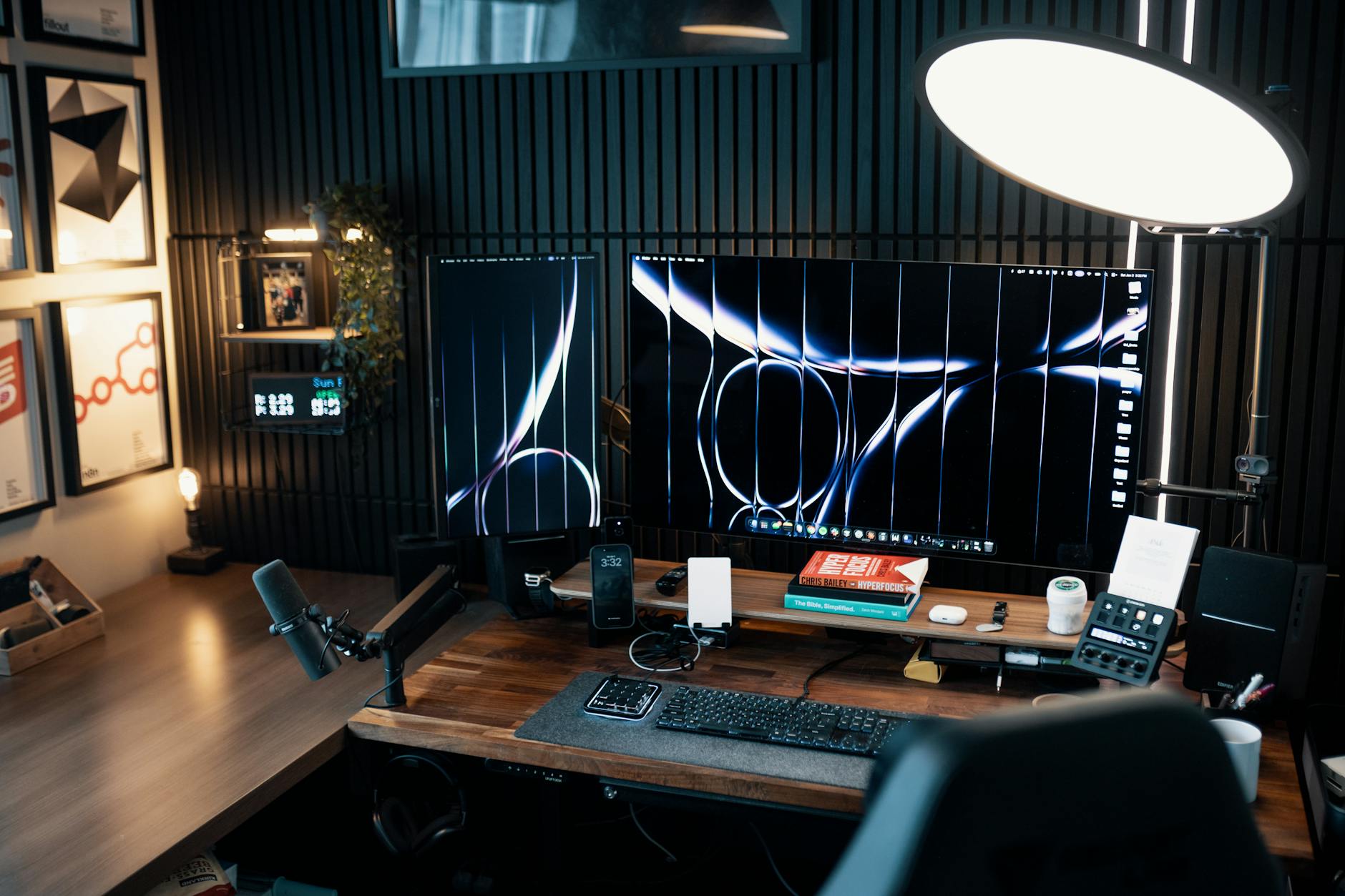
Warranty coverage differs between brands and regions, but both ASUS and LG provide adequate protection for professional users. ASUS typically offers longer warranty periods on higher-end ProArt models, while LG maintains consistent coverage across the UltraFine lineup. Consider local service availability when making your decision, especially for mission-critical editing work.
Final Recommendation
Choose ASUS ProArt if you need the ultimate in color accuracy and contrast performance, especially for HDR content creation. The OLED models deliver unmatched image quality for discerning professionals, while IPS variants provide excellent value with comprehensive feature sets. The wider range of sizes and connectivity options accommodates diverse workflow requirements.
Select LG UltraFine for reliable, consistent performance with excellent Mac integration. These monitors excel in collaborative environments where multiple editors need identical color reproduction. The focused product lineup simplifies selection while maintaining professional-grade quality throughout.
Both monitor lines serve professional video editors well, with the choice ultimately depending on specific workflow needs, budget constraints, and personal preferences for color accuracy versus consistency. Consider testing both options if possible, as individual color perception and workspace lighting conditions influence real-world performance beyond technical specifications.
Frequently Asked Questions
Which monitor has better color accuracy for video editing?
ASUS ProArt OLED models offer superior contrast and color volume, while LG UltraFine provides more consistent color reproduction across the screen.
Do these monitors work well with both Mac and Windows?
Yes, though LG UltraFine monitors offer better Mac integration while ASUS ProArt displays provide more extensive Windows customization options.